
Virtual Staging for Residential Homes
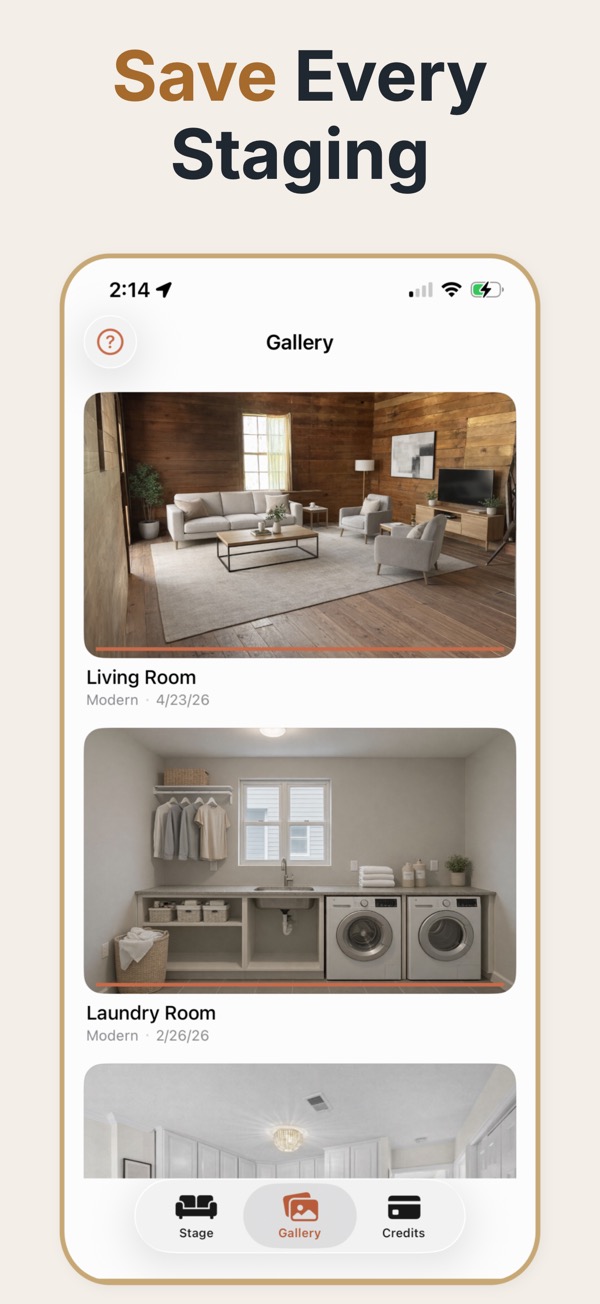
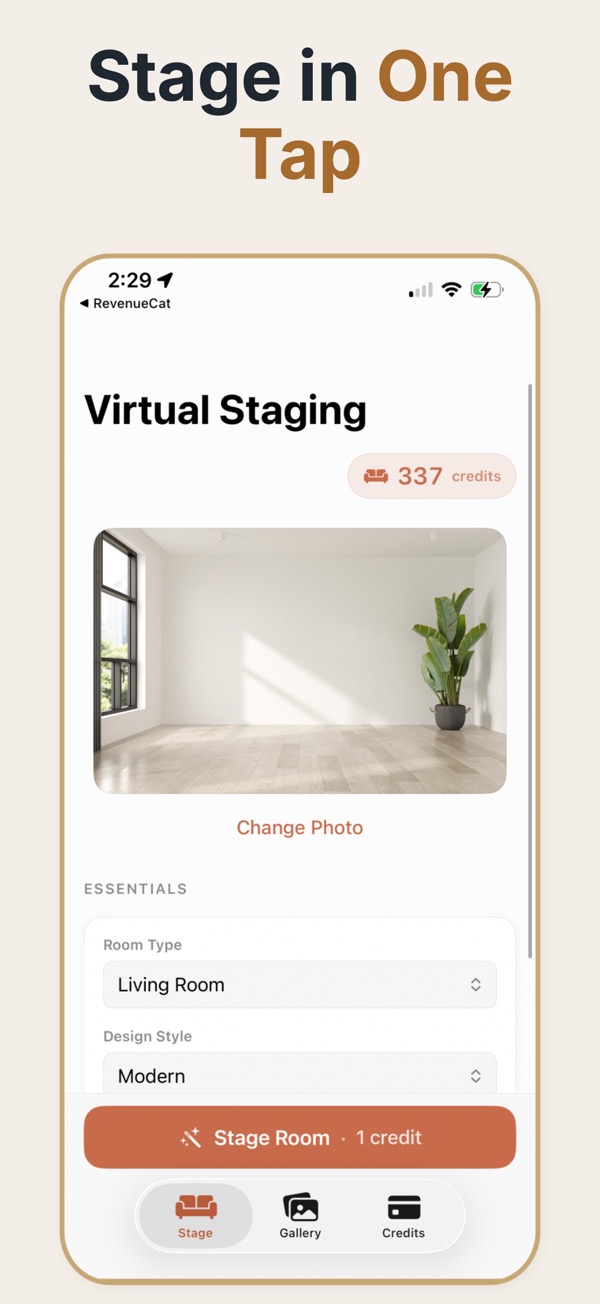
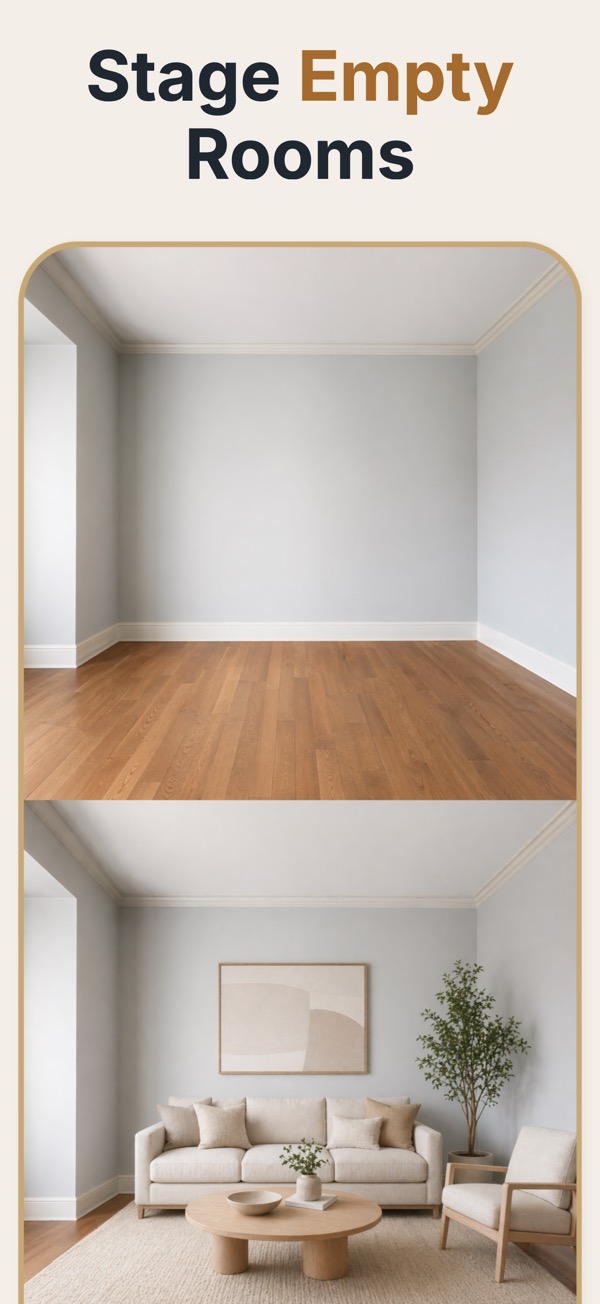
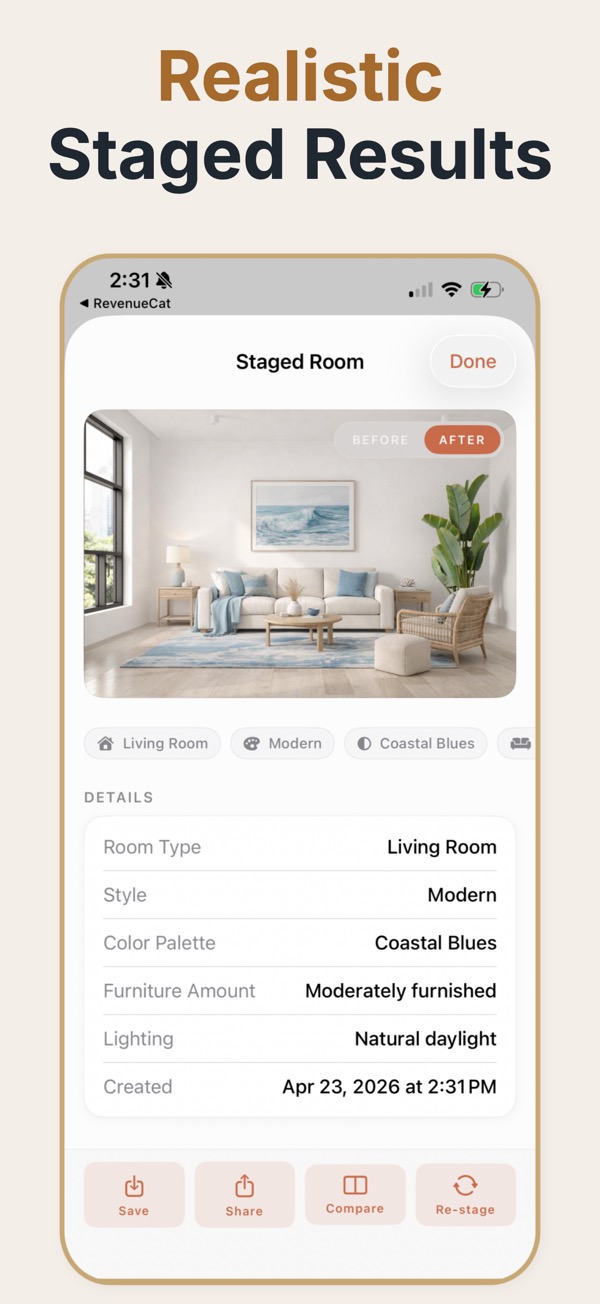
Virtual Staging for Residential Homes is usually a search for staged home imagery built for single-family listings. Virtual Staging AI Real Estate keeps that process mobile and repeatable with room presets, style controls, and before-and-after exports.

Scan to download
Virtual staging for residential homes
Residential staging works best when the home feels coherent from room to room. Use neutral, believable furnishing directions that help viewers understand bedrooms, living areas, kitchens, and everyday spaces.
Build a consistent whole-home presentation
Review each room photo, choose a related style and palette, adjust furnishing density to the room, and export a set of visuals that feels consistent across the property.
Keep the home believable
- Match furniture and decor to the room’s scale and purpose.
- Carry a restrained style direction across connected rooms.
- Show the actual room alongside any staged concept used for marketing.
Family homes get judged on whether the rooms make sense together. A house where the living room, bedrooms, and kitchen-adjacent spaces read as one coherent home performs better than one where each room was staged as an independent showpiece.
Consistency across a whole house
The failure mode specific to houses is style drift. Stage the living room in warm mid-century, the primary bedroom in stark minimalism, and the family room in farmhouse, and the buyer's impression is not variety but confusion — the property stops feeling like a single home. Choosing one direction and applying it everywhere costs nothing extra and is the highest-leverage decision in staging a house. The second consideration is room purpose. Family buyers are scanning for specific answers: where the children sleep, whether there is space to work, whether the extra room is a bedroom or a box. Staging each ambiguous room for its most probable use answers those questions directly, which is more valuable than making any single room look impressive.
Staging a whole house coherently
- Pick one style and one palette for the entire property before staging the first room.
- Stage each bedroom clearly as a bedroom, including the smallest one.
- Give ambiguous rooms a defined purpose — office, nursery, guest room — rather than leaving them empty.
- Keep furniture scale consistent so room sizes stay comparable across photos.
- Stage the main living space to the highest standard; it usually becomes the lead image.
Residential situations that benefit
Family homes sold empty after a move
The sellers have already relocated, the house is cold and echoing, and staging restores the sense of a lived-in home.
Homes with a genuinely ambiguous room
The box room over the stairs is the single most-asked-about space in a family listing; staging it settles the question.
Renovated properties
A newly finished house can read as clinical. Staging adds the warmth that makes a renovation feel like a home rather than a showroom.
House-specific errors
- A different style in every room, which reads as incoherent rather than varied.
- Leaving the smallest bedroom empty, which invites the assumption that it does not fit a bed.
- Staging outdoor or garden space with furniture that implies a patio that is not built.
- Inconsistent lighting warmth between rooms, making the house feel assembled from different properties.
Decisions to make once per property
- Style direction
- One style for the whole house. The highest-impact single decision, and it costs nothing.
- Palette
- One consistent palette so room sizes and light stay comparable between photos.
- Ambiguous rooms
- Each given a defined purpose — office, nursery, guest room — rather than left empty.
- Smallest bedroom
- Staged with a real bed, because an empty small room is assumed not to fit one.
- Lead room
- The main living space, staged to the highest standard; it usually becomes the lead image.
Common questions
Can virtual staging cover a whole home?
Yes. Work room by room and keep the style, palette, and furnishing level consistent across the set.
Should occupied homes be staged digitally?
Digital staging is most useful when the source photo and the staged concept are clearly distinguished and the result does not misrepresent the current home.
What makes residential staging feel natural?
Appropriate scale, restrained decor, preserved architecture, and consistency between rooms make the result easier to understand.
Should every bedroom in a house be staged?
Stage each one at least minimally, especially the smallest. An empty small bedroom is usually read as a room that cannot hold a bed.
What about staging a garden or outdoor space?
Be careful. Adding furniture is generally acceptable; adding decking, paving, or planting that does not exist is a misrepresentation of the property.
Should the same style be used in every room?
Yes. One consistent direction across the property is the single highest-impact choice, and it costs nothing extra.
How should an unusual room be staged?
Stage it for its most likely use rather than leaving it ambiguous. Buyers who cannot place a room tend to discount it entirely.