

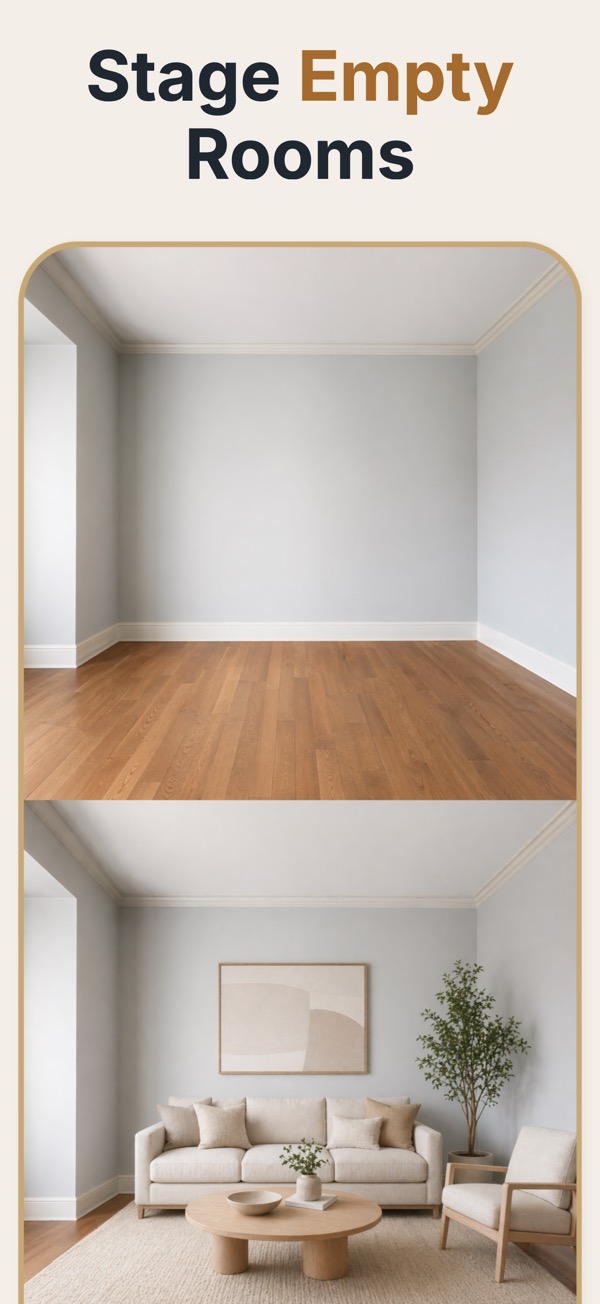
Move faster than traditional staging
Stage vacant spaces while the listing is being prepared, not days later after furniture delivery, styling, and pickup.
Photograph the empty room or pick one from your library, choose the room type and style, and get a furnished version that keeps the walls, windows and floor of the real room. Works on iPhone, iPad and Android.
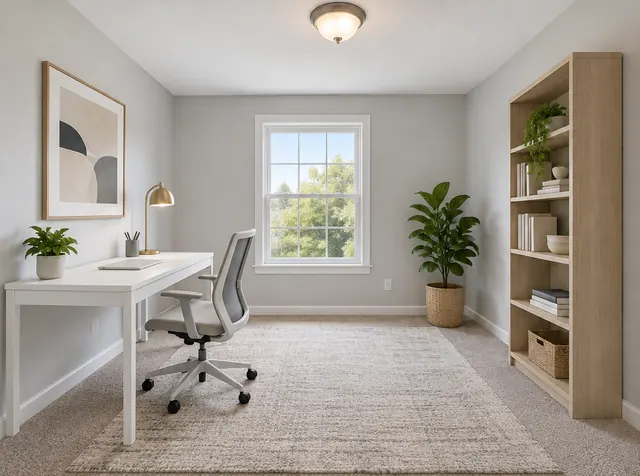
Each pair shows the empty room and the staged version. Walls, windows, doors and flooring stay where they were; the app adds furniture, rugs, art, plants and lighting.
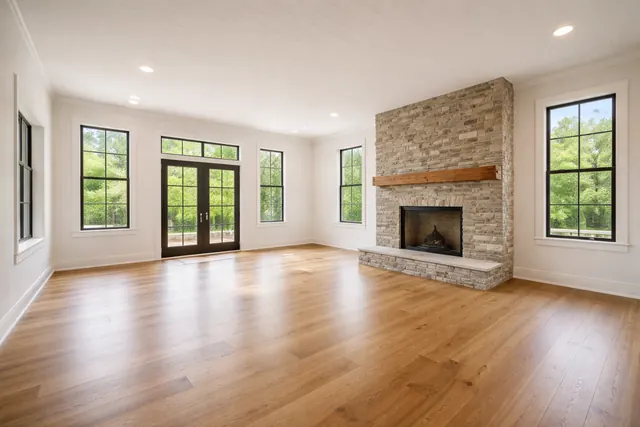 Before
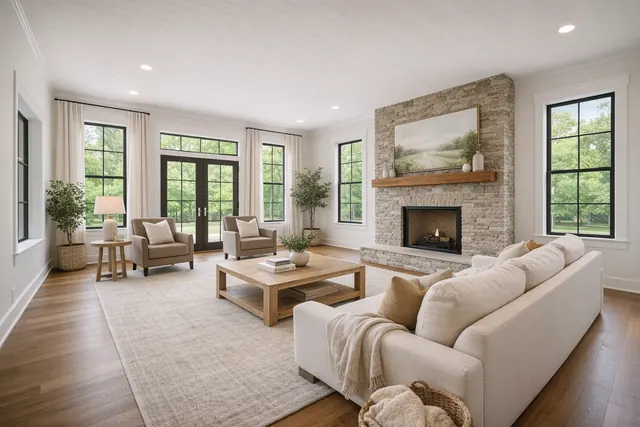 After
After
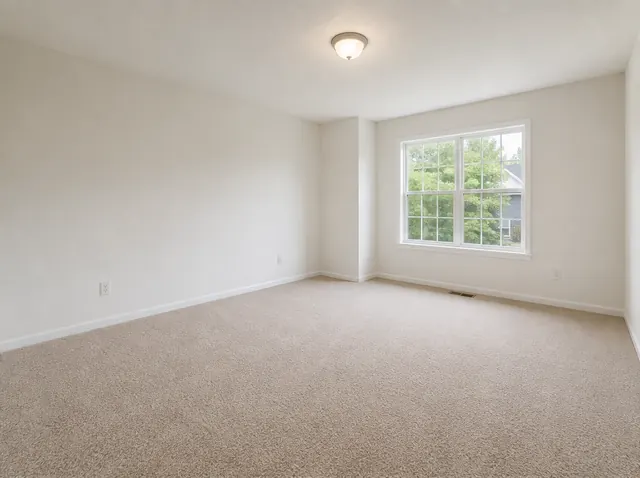 Before
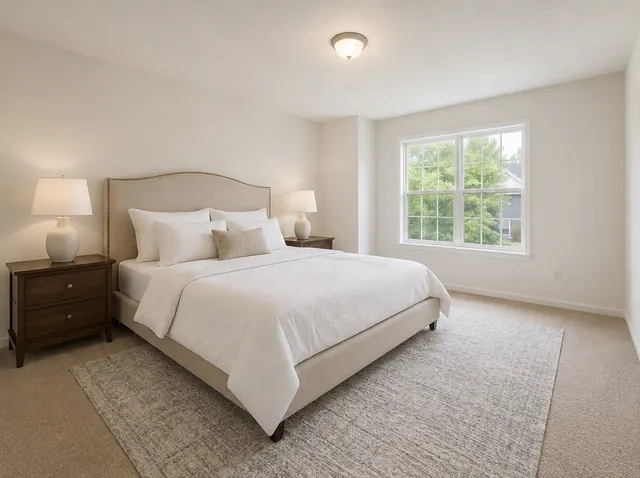 After
After
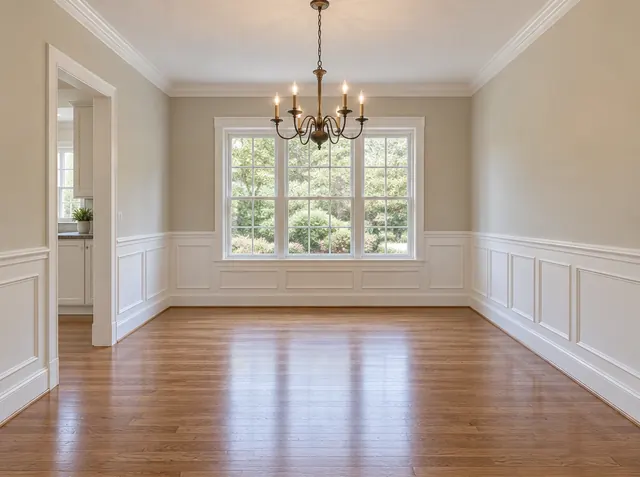 Before
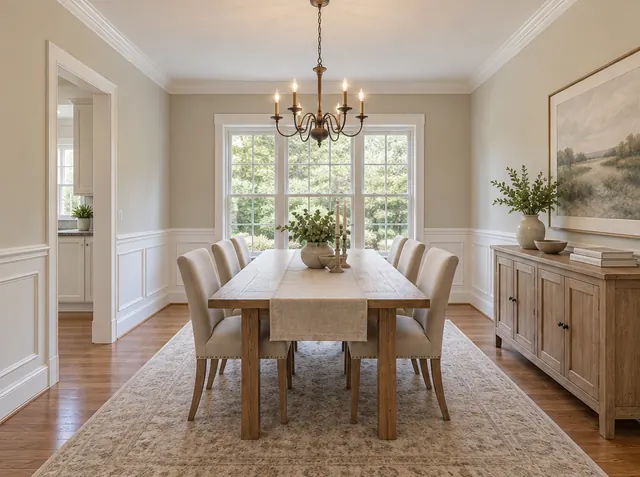 After
After
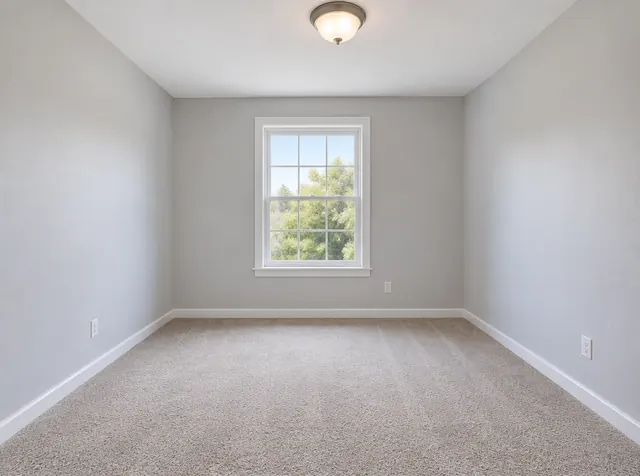 Before
 After
After
Virtual staging furnishes the photo, not the property. You photograph an empty room, choose a room type and a style, and get a furnished version of that same photo for the listing. The architecture stays as it is, so the staged image and the original can be published side by side.
Virtual Staging AI Real Estate is built for the moment between an empty room and a listing that needs to feel finished, warm, and market-ready without the cost or scheduling drag of physical staging.
Stage vacant spaces while the listing is being prepared, not days later after furniture delivery, styling, and pickup.
Save staged images, share exports, and present before-and-after comparisons that make the transformation immediately legible.
Choose room type, design style, palette, furniture amount, lighting, and decor so the final image matches the property and buyer profile.
The app stays focused on one job: turning a bare room into a polished staged image you can actually use in marketing materials.
Shoot a room on-site or pull an image from your library. The app is built around quick staging jobs for listings and presentations.
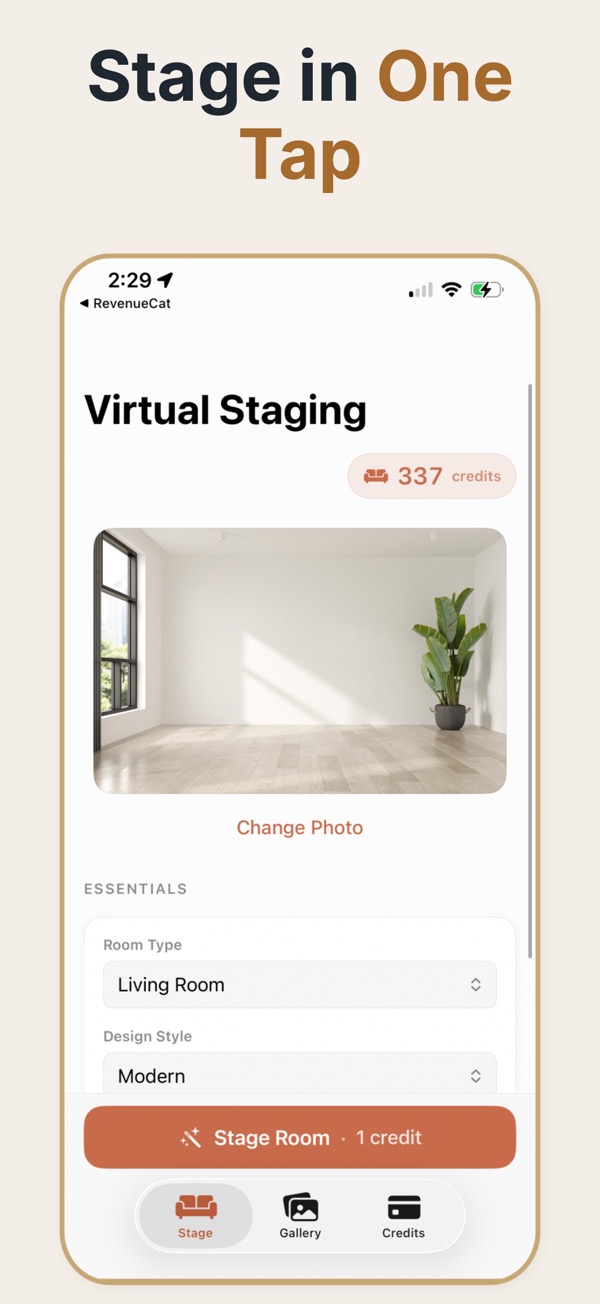
Set the staging recipe with room type, style, palette, furniture density, lighting, and optional decor additions.
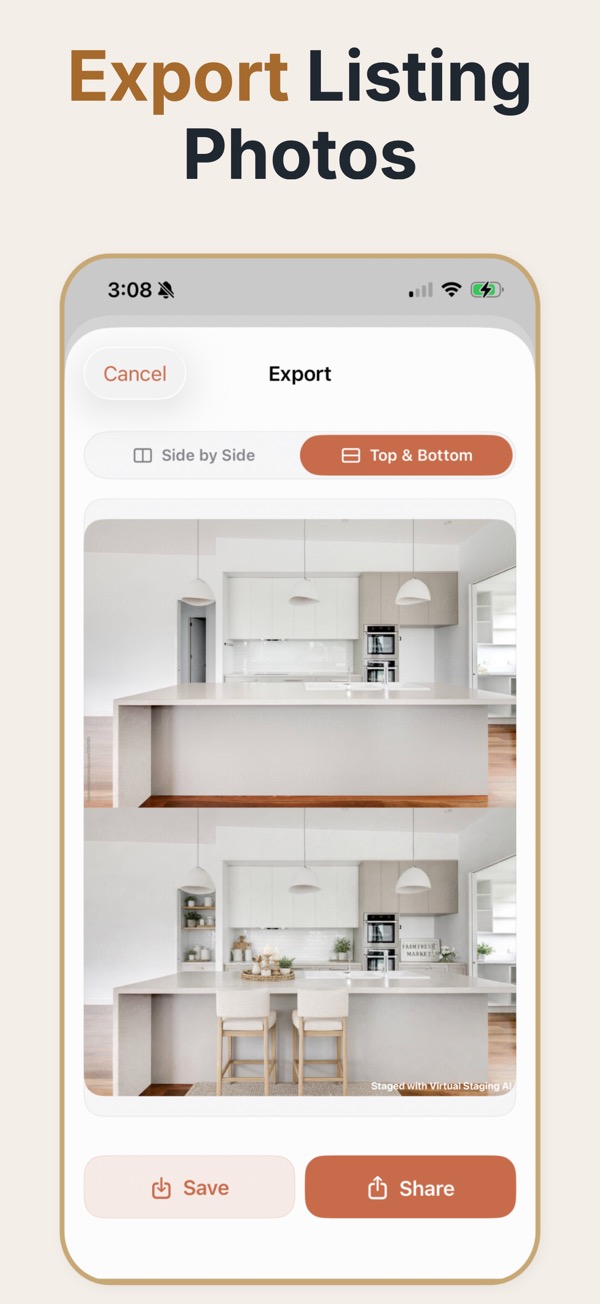
Export a staged image or a comparison layout that is ready for listing photos, internal review, or client approval.
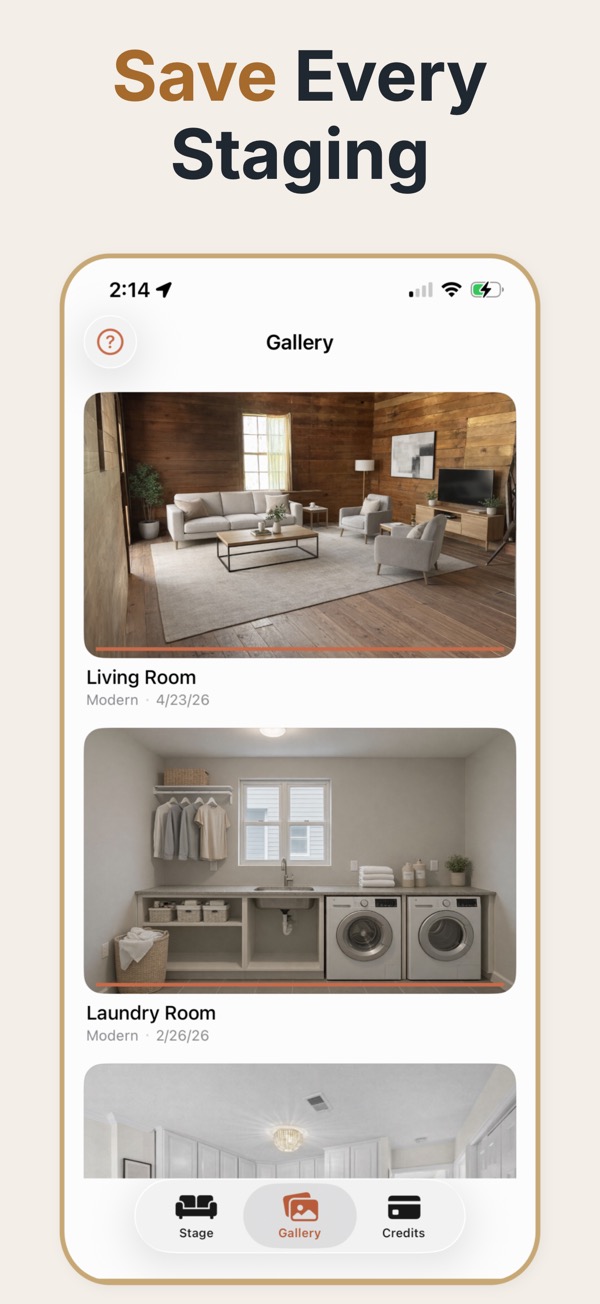
The staging controls are tuned for production work: quick decisions, clear settings, and repeatable output you can adapt room by room across a listing.
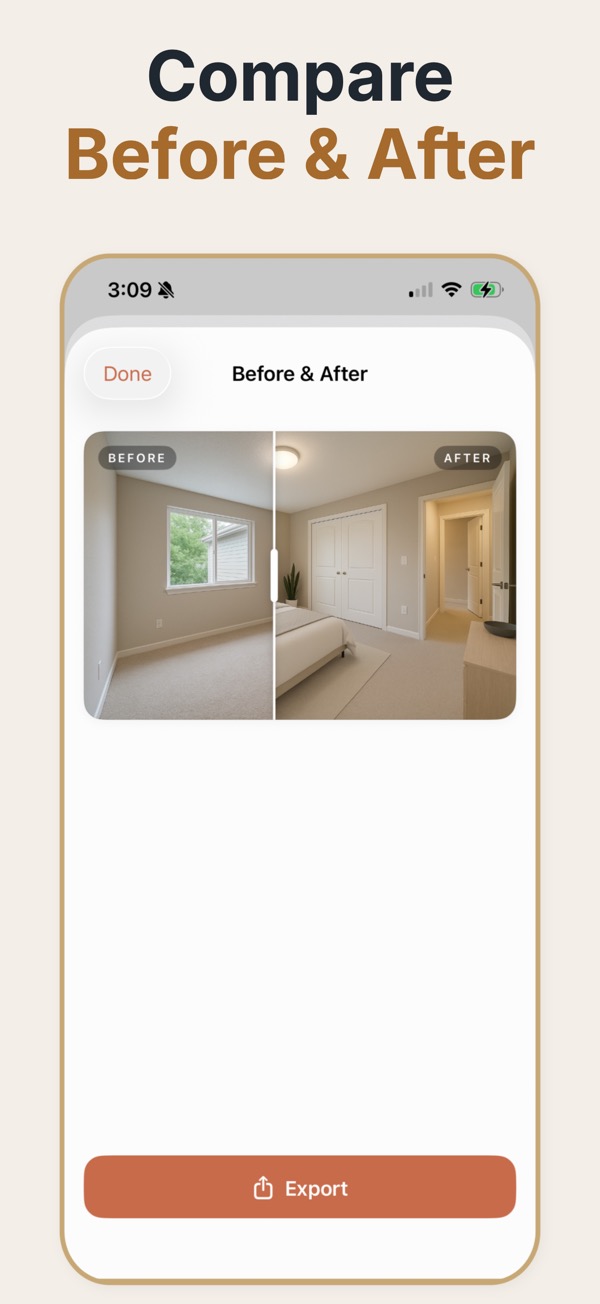
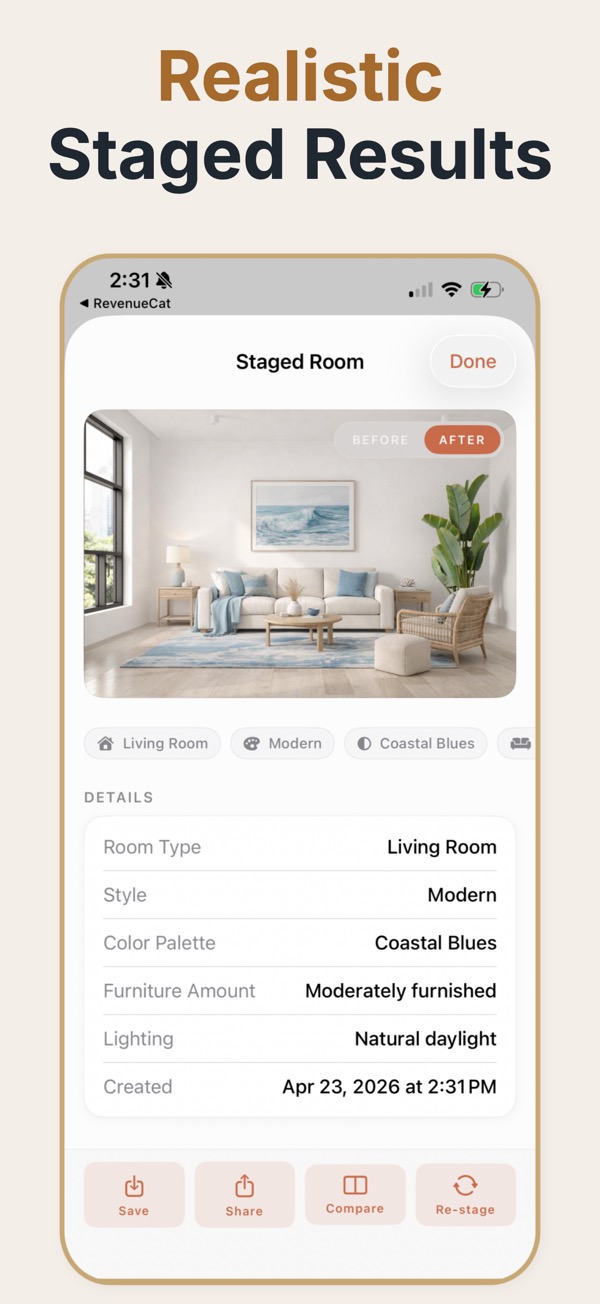
The strongest part of the app is not only the staged scene. It is the fact that the output is packaged in a way agents and clients can review, compare, save, and ship into the listing workflow immediately.
Create staged rooms that feel calm, plausible, and buyer-friendly rather than overdesigned concept art.
Export side-by-side or top-and-bottom comparisons to communicate the transformation instantly.
Save, share, and reuse staged outputs for MLS images, seller presentations, investor updates, and internal review.
The same room photo does a different job depending on who is holding the phone.
Show how a vacant room can feel finished before paying for physical staging or launching the listing.
Stage empty interiors while units are still coming online so marketing can move without furniture logistics.
See how bare rooms could read to buyers before deciding what to invest in for the sale.
Use staging outputs as a quick visual bridge when a full custom rendering is unnecessary.
Test cleaner, warmer furnishing directions when repositioning a property for guests or investors.
Many staging tools bill monthly whether or not you have a vacant listing. Here you buy credits once and spend them when a listing needs them.
In the US: 5 credits $4.99, 15 credits $9.99, 50 credits $24.99. Prices vary by country.
Most rooms come back in under a minute. You can lock your phone while it works; the finished image is saved to your in-app gallery with the settings you used.
You can set the room type, design style, palette, furniture amount, lighting, and optional decor elements before you generate.
Yes. The app supports saved staged images and before-and-after exports that are useful for seller approval, listings, and marketing reviews.
Your first staging is free. After that you buy a credit pack once. One credit stages one photo, unused credits never expire, and there is no subscription.
Enter your mobile number and we'll text you a download link that opens the right store for your phone.
Virtual Staging AI Real Estate takes you from an empty room photo to a staged listing image on iPhone, iPad and Android.