
Virtual staging examples: nine rooms, before and after
Virtual staging adds furniture, rugs, art and lighting to a photo of an empty room and leaves the room itself alone. The pairs below show what that looks like across nine rooms, what was added in each, and what to check before a staged photo goes into a listing.
Great room with a stone fireplace
A big, bright room with French doors and a stone fireplace looks like a showroom when it is empty. Staged, it gets a cream sofa facing the fire, two armchairs by the doors, a wood coffee table, a wool rug, curtains and a landscape above the mantel. The fireplace, windows, doors and floor are the same as in the original, so the photo still describes the real room.
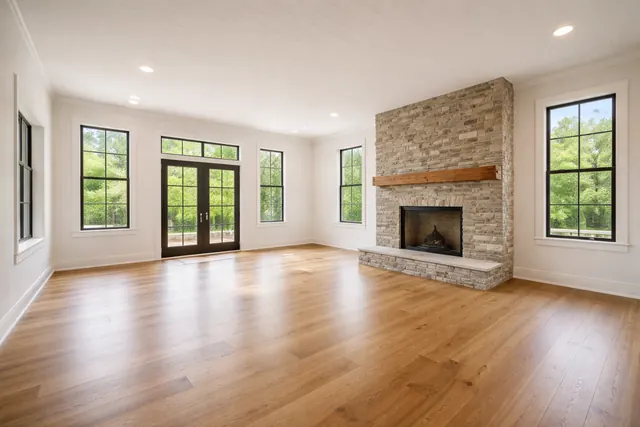 Before
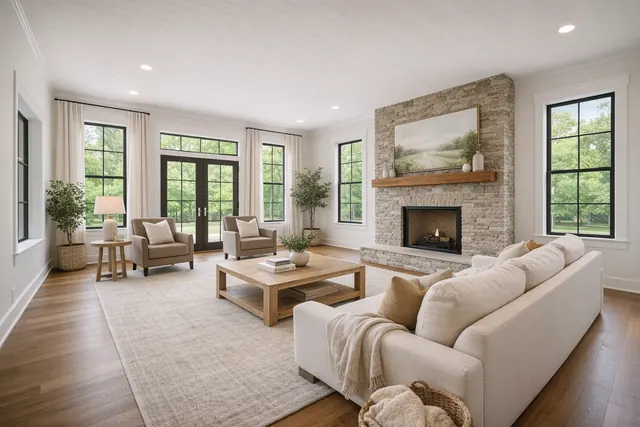 After
After
Carpeted bedroom
Wall-to-wall carpet makes an empty bedroom look flat and hard to measure. The staged version centres an upholstered bed on the long wall, adds matching nightstands and lamps, and lays a low rug over the carpet. The bed gives the room a footprint buyers can compare with their own furniture.
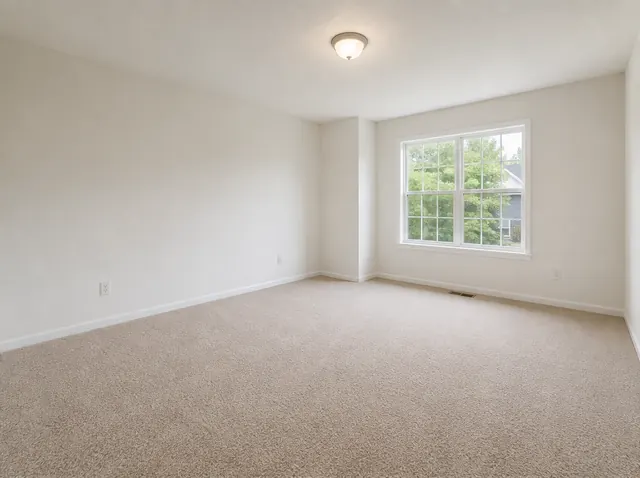 Before
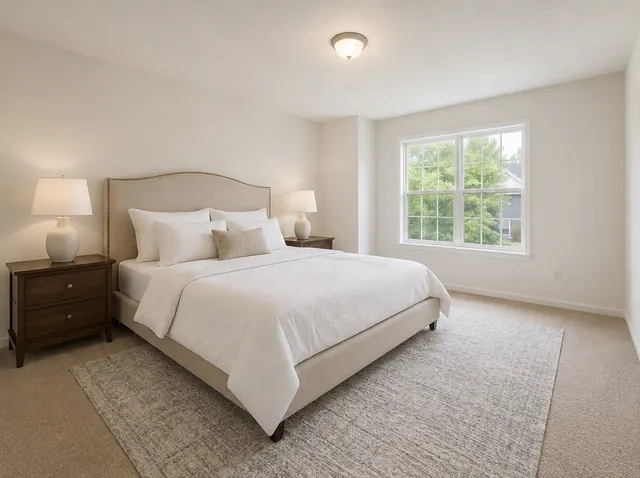 After
After
Dining room under an existing chandelier
A chandelier and wainscoting already say where the table goes; staging makes it literal. The app placed a six-seat table under the light, upholstered chairs, a sideboard with a lamp and art, and a patterned rug. Leaving the existing light fitting and trim untouched is what keeps the staged photo credible.
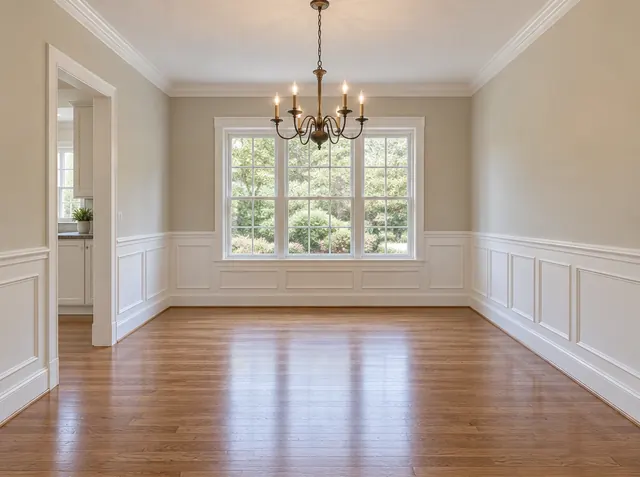 Before
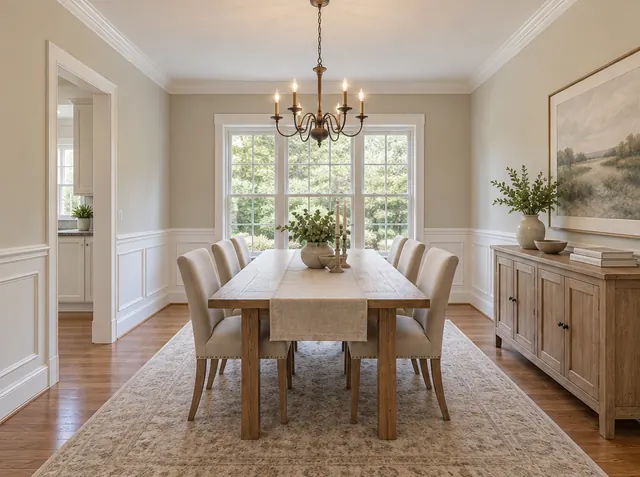 After
After
Spare room staged as a home office
A small carpeted room with one window is hard to sell as anything in particular. Staged as an office — a white desk beside the window, a task chair, a tall bookshelf, art and plants — it answers the question buyers ask about a spare room. The same photo could just as well be staged as a nursery or a guest room.
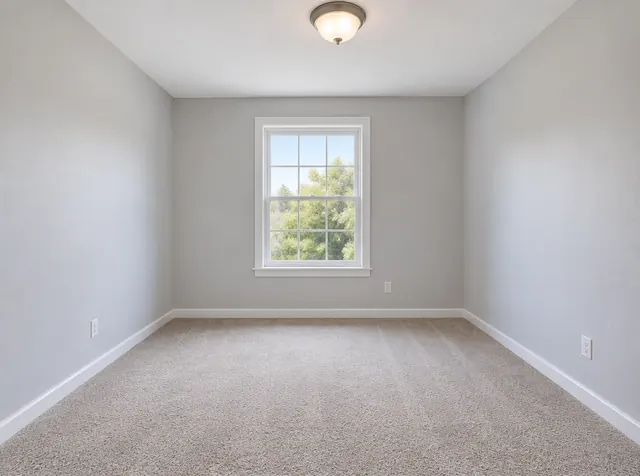 Before
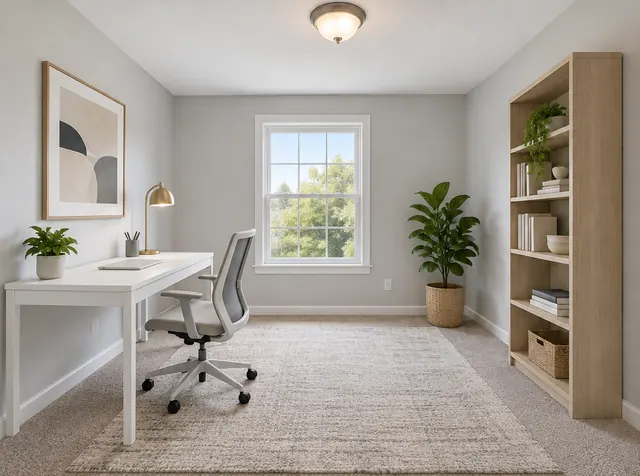 After
After
Family room with an arched doorway
An L-shaped sectional, a coffee table, a jute rug and a tall plant turn the space in front of the fireplace into a sitting area without blocking the arched doorway or the window wall. The walkways stay visible, which matters as much as the furniture.
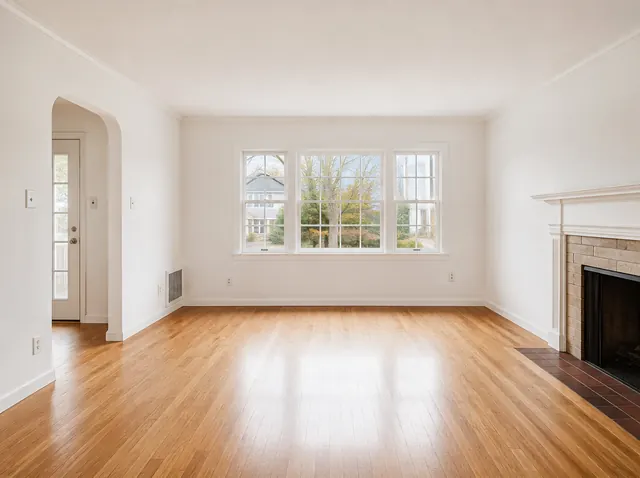 Before
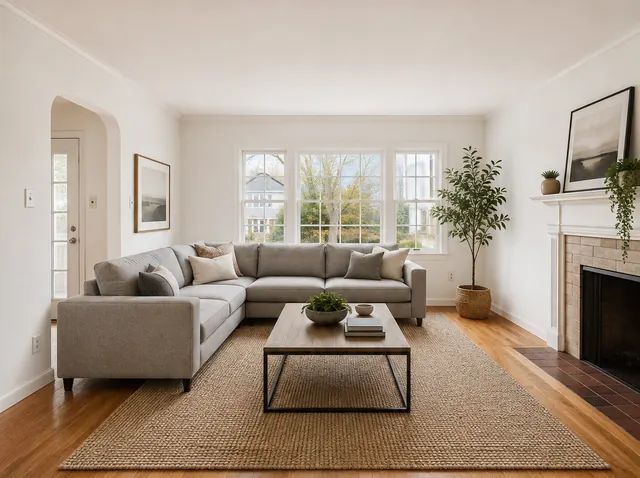 After
After
Small bedroom
In a compact room, furniture scale is the whole job. A bed with an upholstered headboard, two small nightstands, a throw and a single plant fill the room without making it feel cramped, and the door and window stay clear.
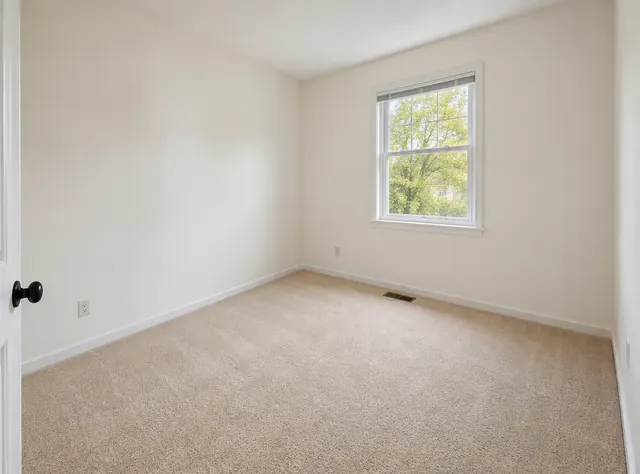 Before
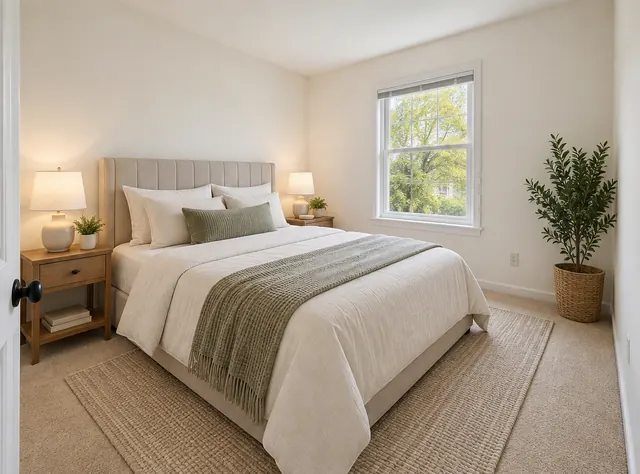 After
After
Studio apartment with three zones
Studios are the hardest room to read when empty: one long space with no obvious function. The staged version divides it into a sitting area with a sofa, a small dining table, a bed along the back wall and a desk, so a renter can see that everything fits.
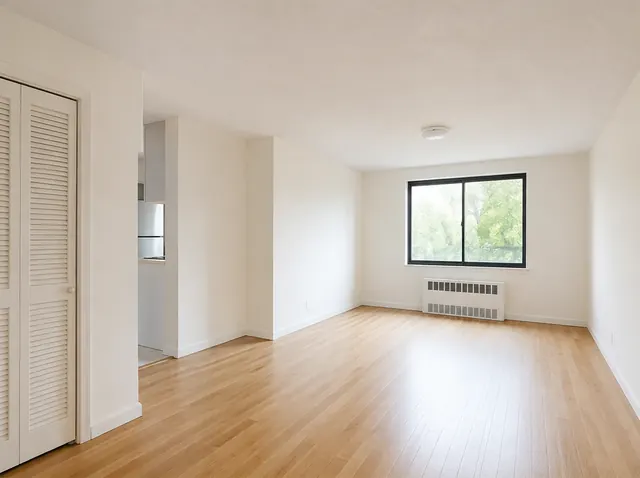 Before
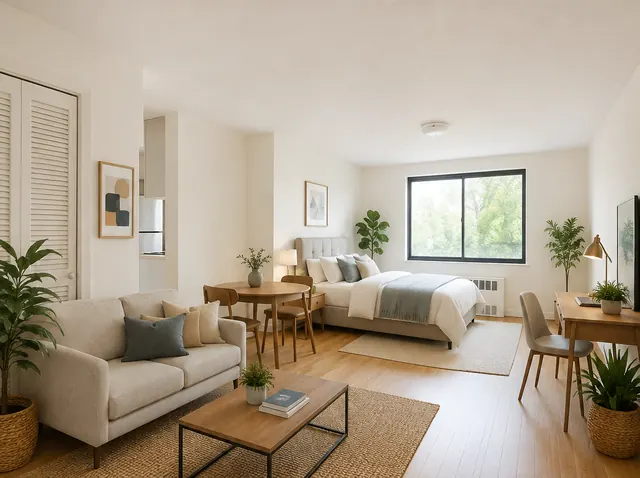 After
After
Living room from a bare shell
The plainest possible starting point: white walls, one window, a door and a wood floor. Adding a sofa, a coffee table, a low console, a rug, art and a pendant shade makes the room read as a living room at a glance. The small label in the corner is the one the app adds to images shared from it.
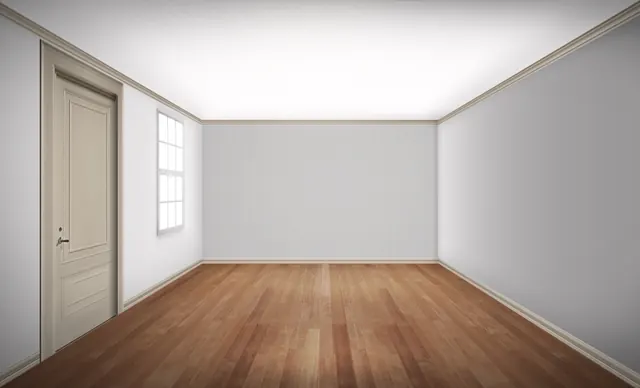 Before
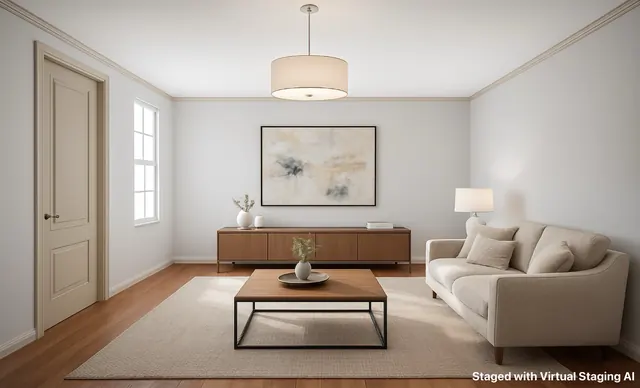 After
After
Kitchen with a long island — and one thing to fix
Kitchens are mostly built in, so staging is about the loose things buyers expect: counter stools, a bowl, a board, plants and some art. This pair is also a useful review example: the model gave the white island front a wood finish the real kitchen does not have. A change to a fixed finish like that is a reason to regenerate before publishing, because a staged photo should never show materials the buyer will not find.
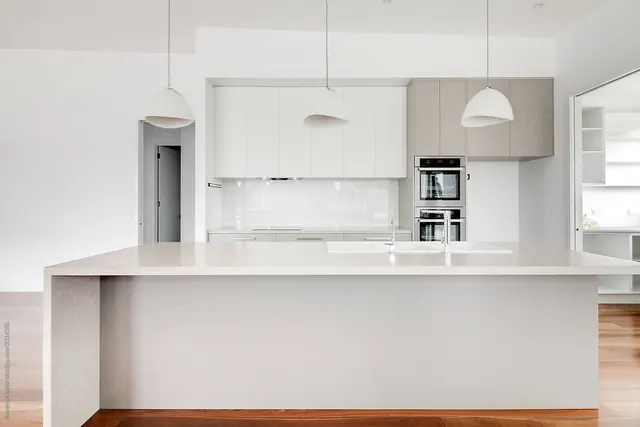 Before
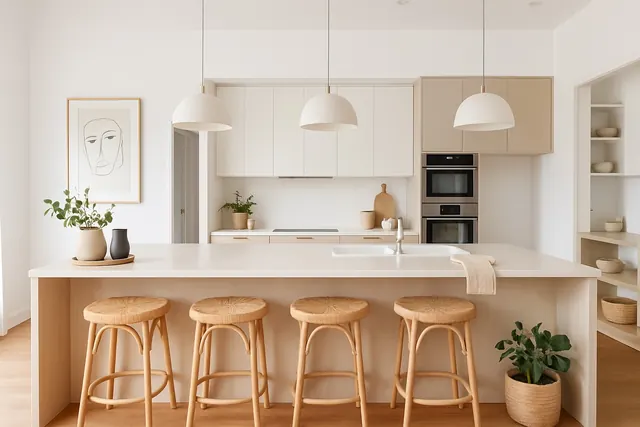 After
After
The 22 styles in the app
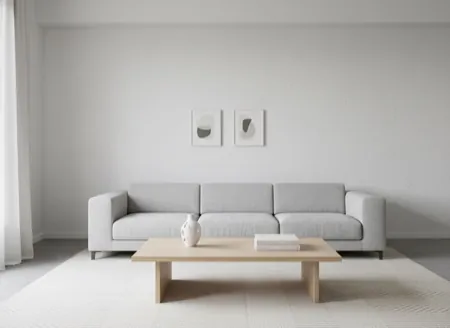
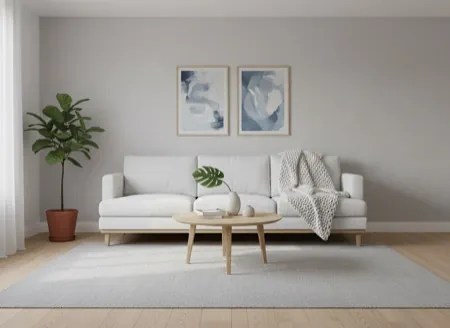
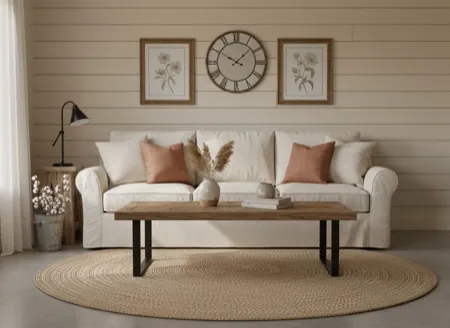
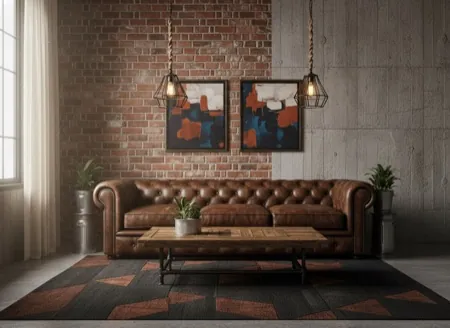
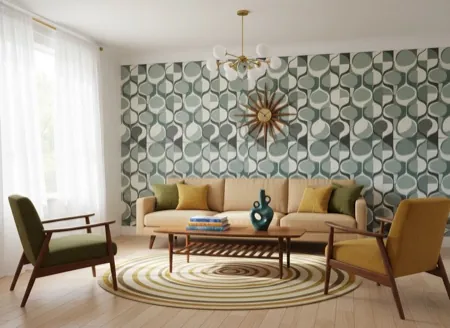
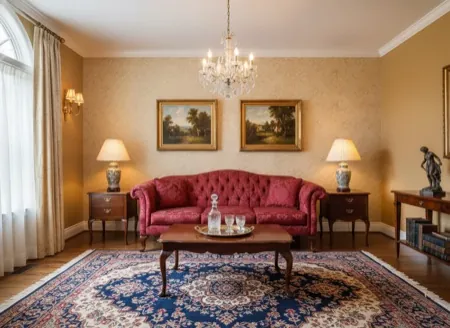
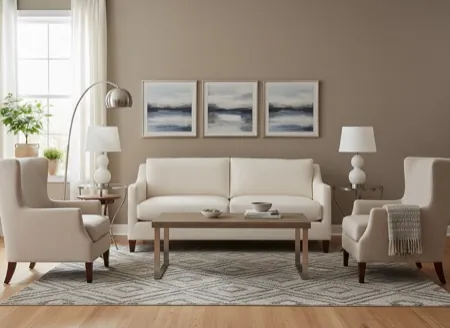
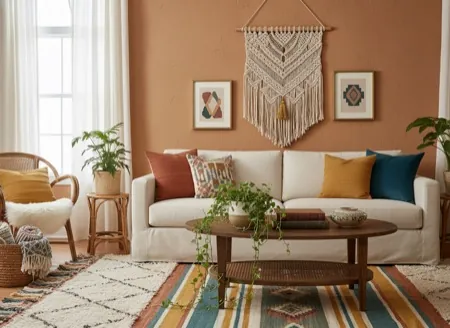
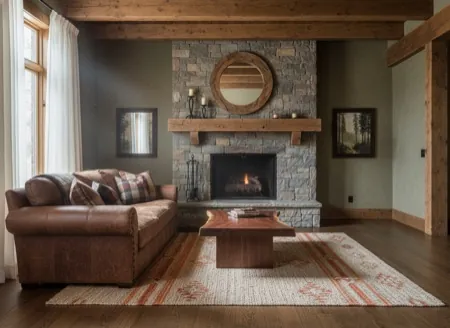
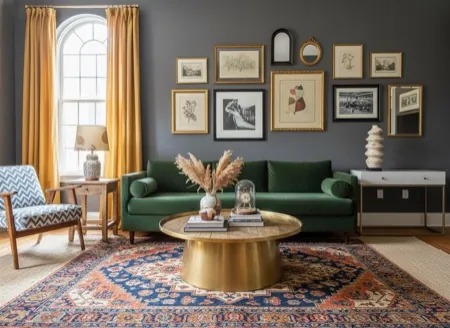
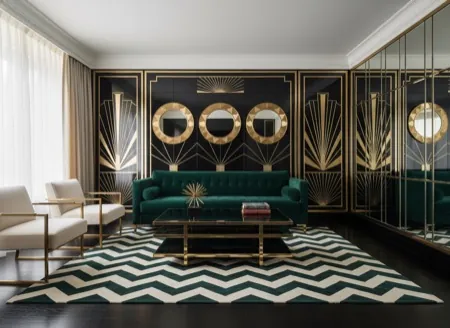
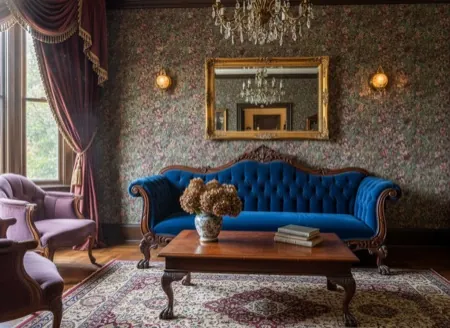
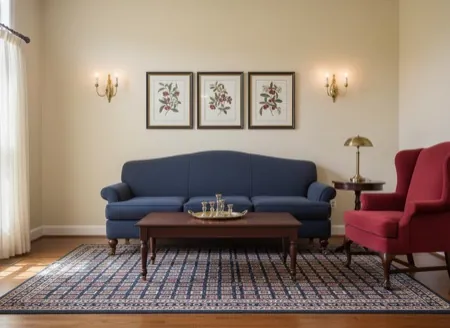
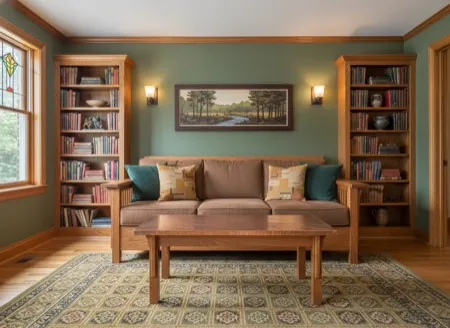
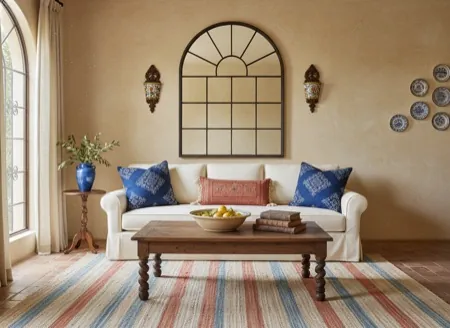
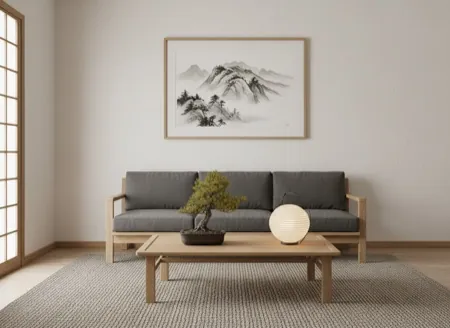
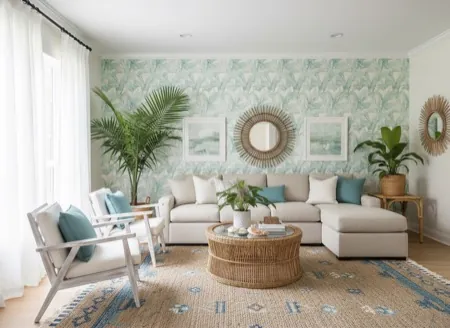
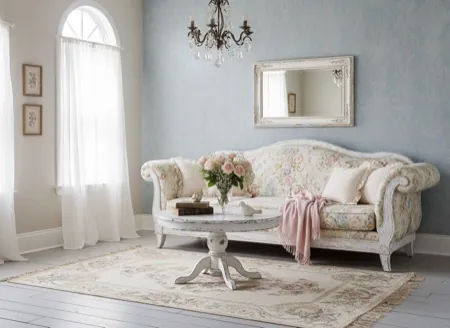
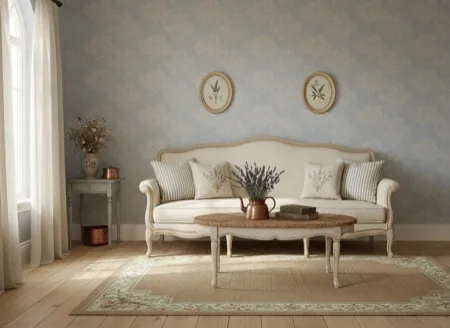
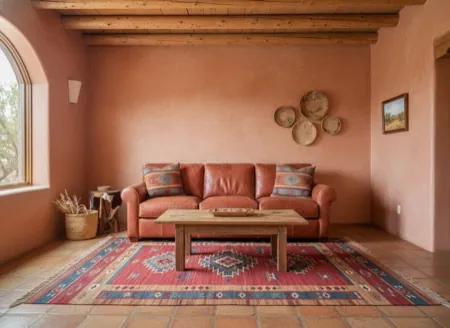
Every staging starts with a style. These are the previews the app shows when you pick one. The style sets the furniture shapes, materials and mood; you can then change the colour palette (11 options), how full the room is, the lighting and the decor, or add a request in your own words.
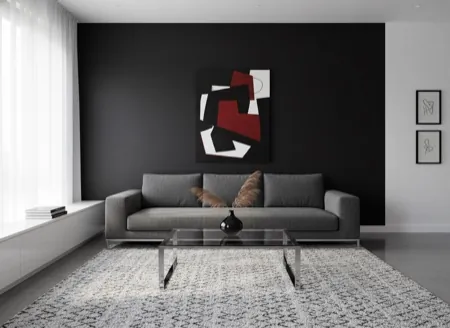
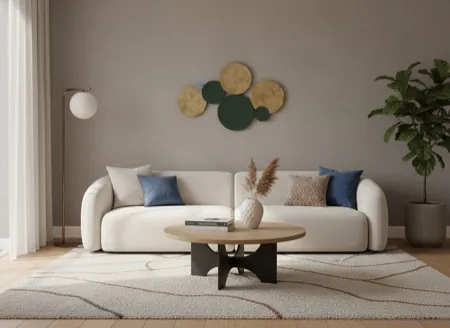
How to check a staged photo before it goes live
- Compare the openings first: every window, door and archway should sit exactly where it is in the original.
- Check fixed finishes — floors, worktops, cabinet fronts, fireplaces. The kitchen above shows why.
- Look at scale against something you know: a standard door is about 80 cm wide, a queen bed about 152 cm.
- Keep the unstaged photo and publish it next to the staged one. The disclosure guide explains what to label.
- Start from a good photo; the photography guide covers height, lens and light.
Common questions
How long does one room take?
Most rooms are finished in under a minute. You can lock your phone while it works; the result is saved to the in-app gallery together with the settings you used.
Can I stage the same room in several styles?
Yes. Each staging uses one credit, so trying three styles on one living room costs three credits, and the gallery keeps every version so you can compare them before choosing.
Do I have to say a listing photo is virtually staged?
In most markets, yes: label the photo as virtually staged and keep the original available. The disclosure guide covers what to label and what may never be edited.
What kind of photo stages best?
A level, well-lit photo of an empty room, taken from about chest height with a normal rather than ultra-wide lens. The photography guide covers framing and light in detail.
Does it work on Android?
Yes. The app is on the App Store for iPhone and iPad and on Google Play for Android. The first staging is free on both.