
Virtual Staging Cost
Physical staging of a whole property is usually quoted in the low thousands, plus a monthly rental if the property does not sell quickly. Digital staging is priced per image, so a three-room listing lands in a completely different order of magnitude — and stops costing anything the day it is delivered.

Why the two cost structures are not comparable
A physical staging quote is mostly logistics. Furniture rental is the headline, but transport, installation labour, insurance, and removal make up a large share, and every one of those is incurred whether the property sells in a week or in six months. Crucially, the rental clock keeps running: a slow listing converts a one-off marketing decision into a recurring bill. Digital staging inverts that. The cost is per image, incurred once, and does not care how long the property takes to sell. That difference is why the economics work on properties physical staging could never justify — a modest apartment cannot support a four-figure staging invoice, but it can easily support staging three photographs. The honest tradeoff is that a buyer standing in the room sees an empty room, so the entire value sits in the online phase of the sale.
Estimating what a listing will actually cost
- Count the rooms that genuinely need staging — usually two or three, not all of them.
- Multiply by the per-image price. That is the whole digital cost; there is no rental tail.
- For physical staging, ask specifically what the monthly rental is after the first period.
- Add the cost of a reshoot if your source photos are not good enough to stage.
- Compare against the marketing budget for the whole sale, not against the property value.
Three cost situations
A fast-moving listing
Physical staging is defensible: the rental period is short and the property benefits at viewings as well as online.
A listing that may sit
Digital wins decisively. There is no rental clock, so a six-month sale costs exactly the same as a six-day one.
A low-value or rental listing
Physical staging is not an option at any sensible margin. Digital staging is the only version of this decision that exists.
Budgeting mistakes
- Quoting physical staging on the install fee alone and forgetting the monthly rental exposure.
- Staging every room, which multiplies cost while adding very little buyer clarity.
- Skipping professional photography to save money, then paying to stage images that were never going to work.
- Treating staging as a substitute for repairs, which costs more at survey than it ever saved in marketing.
Cost components, side by side
- Furniture rental
- Physical: the largest recurring line, billed monthly. Digital: none.
- Transport and installation
- Physical: a significant one-off, often a third of the quote. Digital: none.
- Per-room cost
- Physical: high, and scales steeply. Digital: a modest per-image price that scales linearly.
- Revisions
- Physical: effectively prohibitive; the furniture is already placed. Digital: cheap, just regenerate.
- Cost if the property does not sell
- Physical: keeps accruing. Digital: zero — the cost ended at delivery.
What a staged room looks like
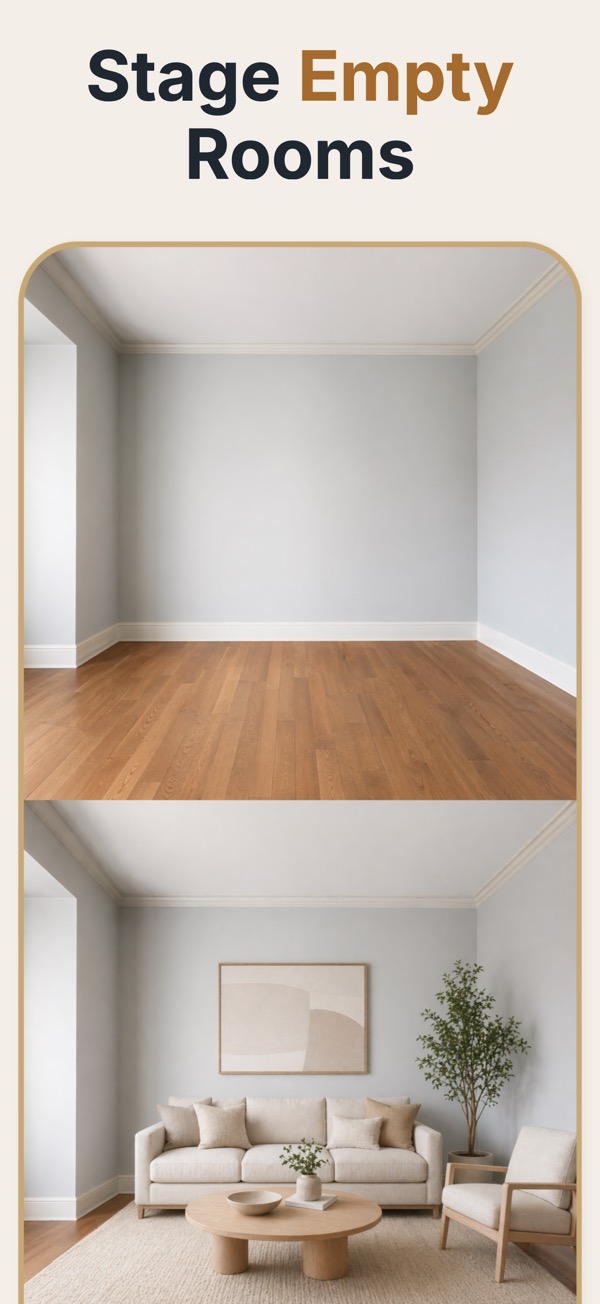
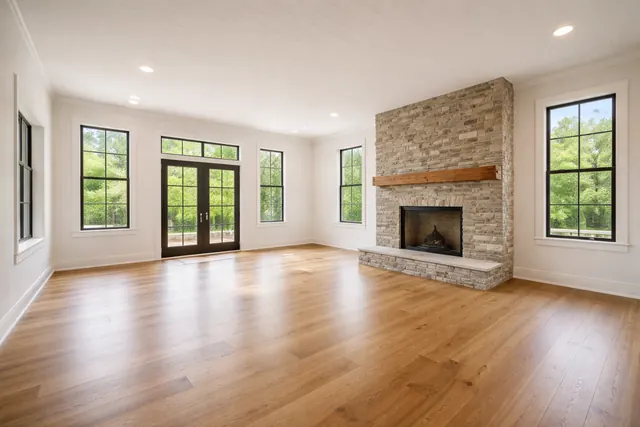
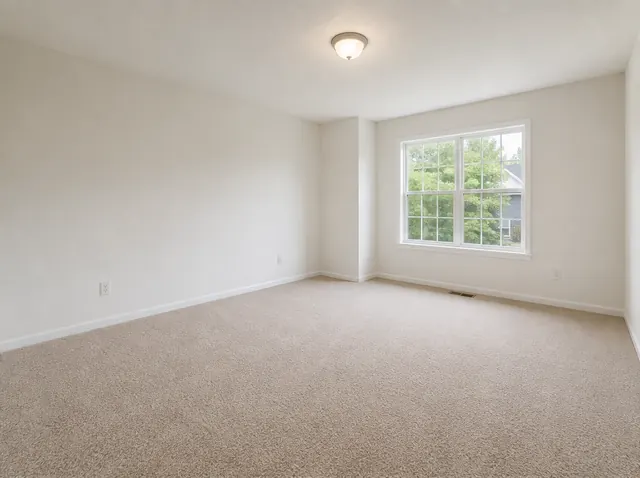
Each pair shows the empty room and the staged version. Walls, windows, doors and flooring stay where they were; the app adds furniture, rugs, art, plants and lighting.
 Before
 After
After
 Before
 After
After
What it costs in Virtual Staging AI (US prices, September 2026)
- Your first staging is free, so you can try it on a real listing photo first.
- 5 credits for $4.99 — about $1.00 per staged photo.
- 15 credits for $9.99 — about $0.67 per staged photo.
- 50 credits for $24.99 — about $0.50 per staged photo.
- One credit stages one photo; credits never expire and there is no subscription.
What the price does not include
Prices are set per country and shown in local currency in the App Store and on Google Play, so outside the US they differ. Every staging uses one credit, including a second try at the same room, and the price covers the staged image only: photography is a separate cost.
Common questions
How much does virtual staging cost per image?
Pricing is per photo and varies by provider, but the structural point holds regardless of the exact figure: it is a one-time cost per image with no rental component, which is what separates it from physical staging.
Is virtual staging cheaper than physical staging?
Substantially, and the gap widens the longer a property is on the market, because physical staging keeps billing rental while a digital image does not.
Do I still need to pay a photographer?
Yes, and it is the wrong place to economise. Staging amplifies a good photo and magnifies the flaws in a bad one, so the photography is the foundation of the cost, not an optional extra.
How many rooms should I budget for?
Two or three per listing captures most of the benefit: the main living space, the primary bedroom, and any room whose purpose is unclear from the floor plan.