
Virtual Staging App
Virtual Staging App is usually a search for an app-first way to stage rooms without a desktop-only service. Virtual Staging AI Real Estate keeps that process mobile and repeatable with room presets, style controls, and before-and-after exports.

Scan to download
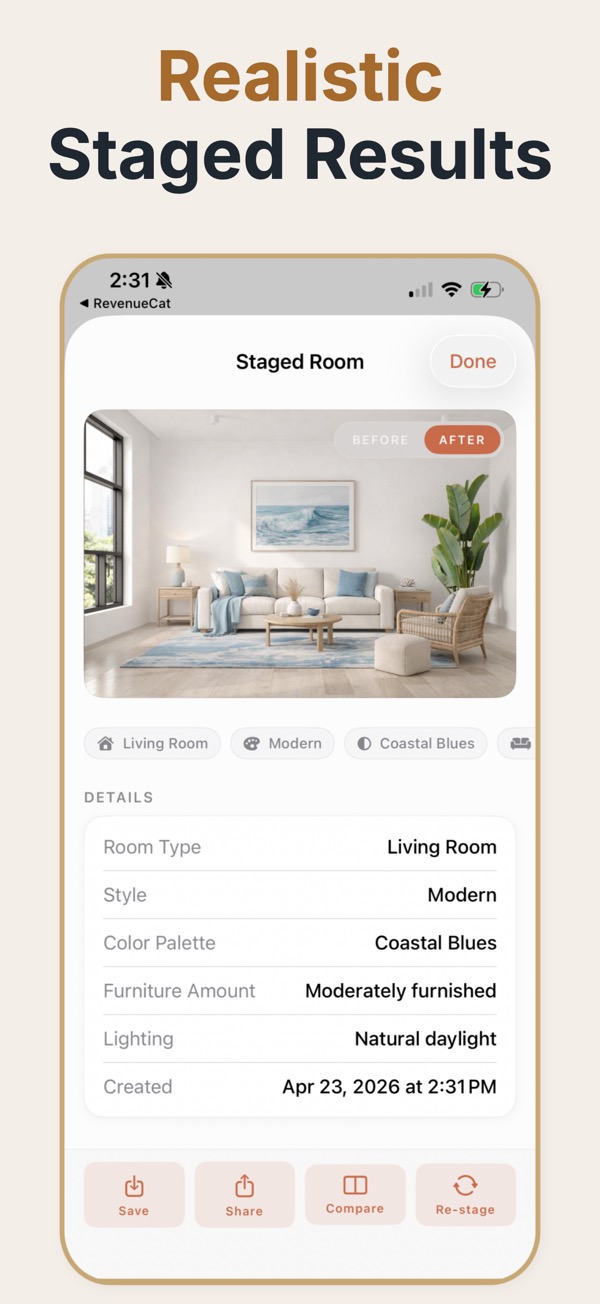
A virtual staging app for work on the go
An app-first workflow helps agents and marketers stage rooms while they are on site, between showings, or preparing a seller presentation instead of waiting for a desktop-only service.
A mobile staging workflow
Upload a room photo on iPhone or iPad, choose a room and style, adjust the furnishing direction, compare the result, and save an export that is ready to share.
Useful app workflows
- Prepare a quick visual direction during a property visit or listing consultation.
- Review room treatments with sellers before finalizing the listing presentation.
- Keep before-and-after exports organized for follow-up and marketing review.
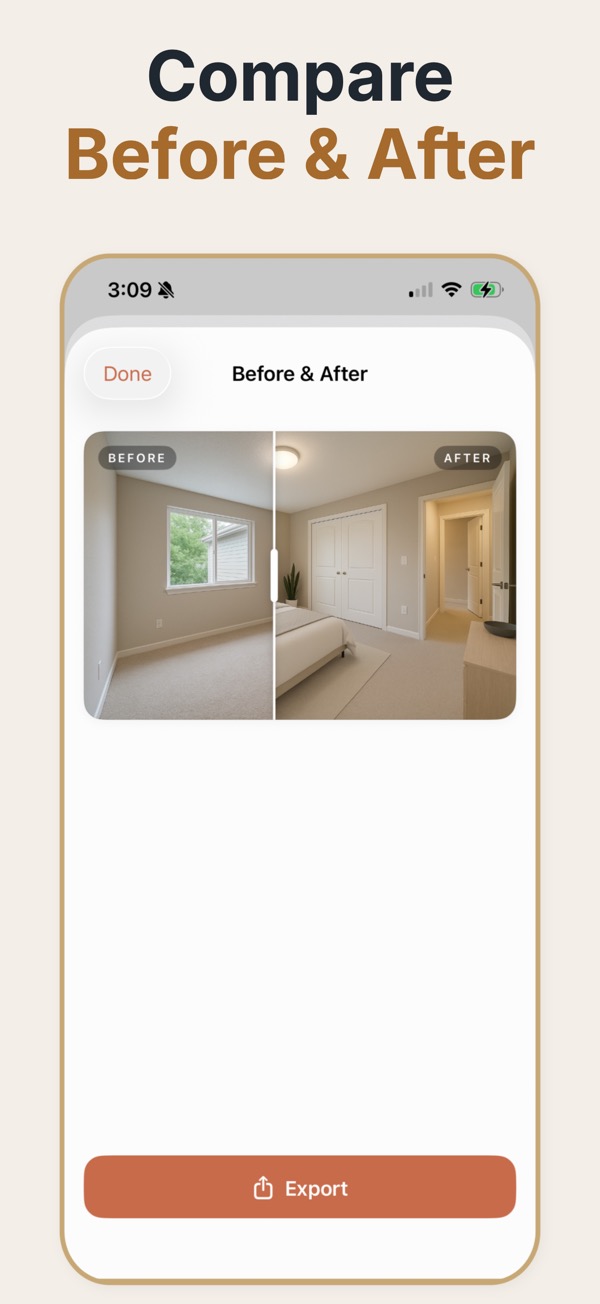
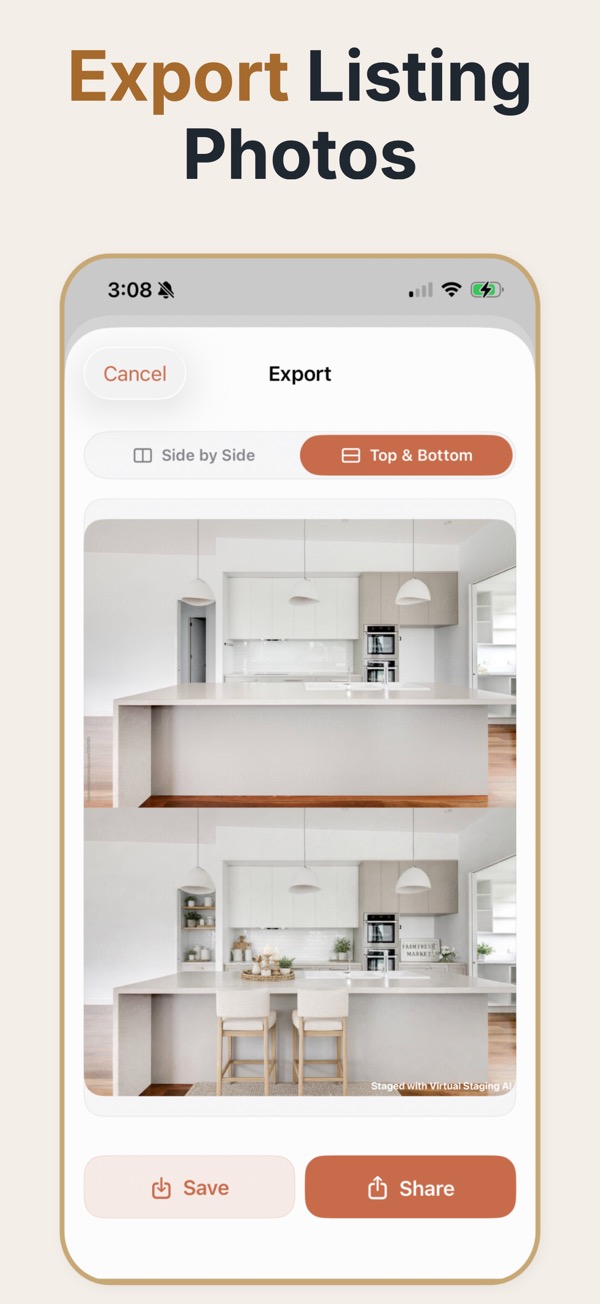
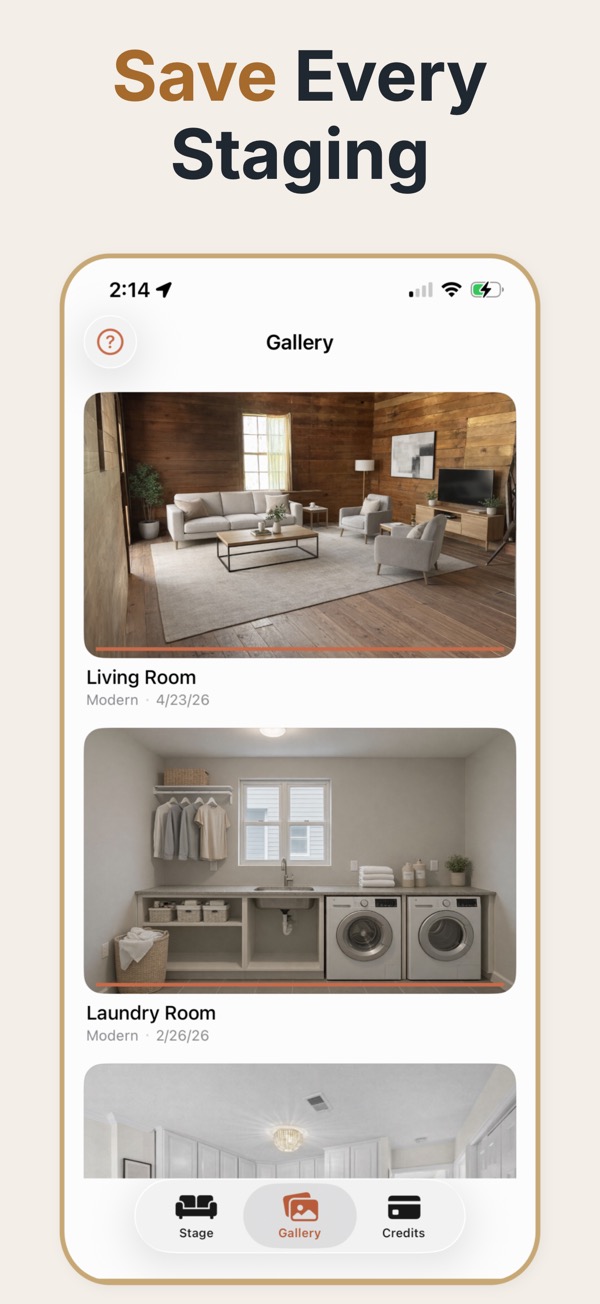
Running staging on a phone changes when the work happens. Instead of shooting a property, going back to a desk, uploading, and waiting on a turnaround, the staging step happens in the room — during the valuation, between viewings, or in the car before the listing goes live.
Why the device matters more than it sounds
The practical constraint in listing preparation is rarely the quality ceiling; it is the number of handoffs. Every step that requires moving files to a desktop, submitting to a service, and waiting for a return adds a day and a chance for the listing to go live unstaged. Doing the work on the device that already took the photo collapses that loop. It also changes the conversation with a seller: showing someone a staged version of their own empty living room while standing in it is a materially different pitch from emailing it two days later. The tradeoff is screen size — final review of fine detail is easier on a larger display, so an iPad is a reasonable middle ground for teams doing volume.
Getting good source photos on a phone
- Shoot from a corner at chest height. Waist height exaggerates the floor, eye height flattens the room.
- Keep the phone level. Tilting up or down bends the verticals and the staging will inherit the distortion.
- Turn on every light and shoot in daylight; mixed artificial light is the most common cause of muddy results.
- Include at least two walls and some floor so the model has enough geometry to work with.
- Take the photo before the seller tidies selectively — a genuinely empty room stages better than a half-cleared one.
Situations that suit a mobile workflow
During the listing appointment
Staging a room while the seller watches turns an abstract service description into something they have seen work on their own property.
Between back-to-back viewings
Twenty minutes in the car is enough to prepare marketing images for a property that was photographed that morning.
Small teams with no marketing department
When the agent is also the marketer, removing the desktop step is the difference between listings that get staged and listings that do not.
Mobile-specific mistakes
- Using ultra-wide mode, which stretches the room edges and produces staging that looks warped at the corners.
- Shooting into a window so the room is backlit and the model has no detail to work from in the shadows.
- Reviewing only on the phone screen, where a warped door frame is easy to miss.
- Forgetting to save the unstaged original before sharing the staged version onward.
Practical capture settings
- Camera height
- Roughly chest height. Lower exaggerates the floor, higher flattens the room.
- Lens
- Standard rather than ultra-wide. Ultra-wide bends the room edges and the staging inherits the distortion.
- Light
- Daylight with interior lights on. Mixed colour temperature is the most common cause of poor results.
- Framing
- Two walls and visible floor, shot from a corner. It gives the model enough geometry to place furniture.
- Review screen
- Check output on the largest screen available before publishing; small errors hide on a phone.
Common questions
Can I use a virtual staging app during a property visit?
Yes. The app is designed for a mobile workflow where you can capture or upload a room and review staging directions on site.
What devices does the app support?
The current workflow is designed for iPhone and iPad. Confirm the current App Store requirements before deployment to a team.
Can I share the staged result?
Yes. Save the output and use the before-and-after export for seller review, presentation, or internal approval.
Do I need a separate camera, or is a phone enough?
A recent phone camera is enough for listing images. Framing, level horizon, and light matter far more to the final result than the sensor does.
Can I stage a property while I am still inside it?
Yes — that is the main argument for a mobile workflow. Photograph the room, generate, review, and show the seller the result before you leave.
Is a tablet better than a phone for this?
For capture, no. For reviewing output before publishing, a larger screen makes architectural errors easier to spot, so many teams capture on a phone and review on an iPad.
What happens to the images after they are generated?
They save to the device like any other photo, so they can go straight into a listing upload, a client message, or a shared marketing folder.