
Virtual Staging AI
Virtual Staging AI is usually a search for AI-led staging that still feels listing-ready. Virtual Staging AI Real Estate keeps that process mobile and repeatable with room presets, style controls, and before-and-after exports.

Scan to download
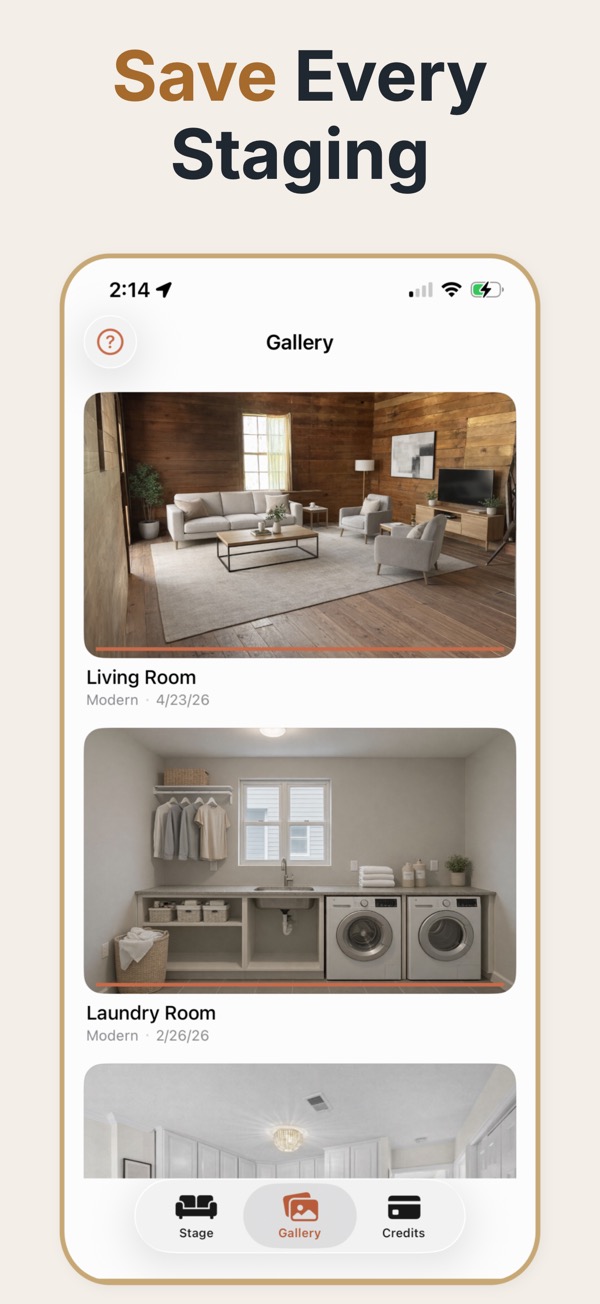
When AI virtual staging is a fit
AI virtual staging is useful when you need several furnishing directions quickly, but still want control over room type, style, palette, furniture amount, lighting, and the final review.
How AI virtual staging works
Start with a real room photo, select a design direction, tune the amount of furniture and decor, review the generated result against the source image, and export the version that fits the listing.
What to review before publishing
- Check that windows, doors, flooring, walls, and the room perspective remain believable.
- Use consistent styles and furniture density when preparing several rooms from one property.
- Keep the unstaged photo available so viewers can distinguish the visualization from the actual room.
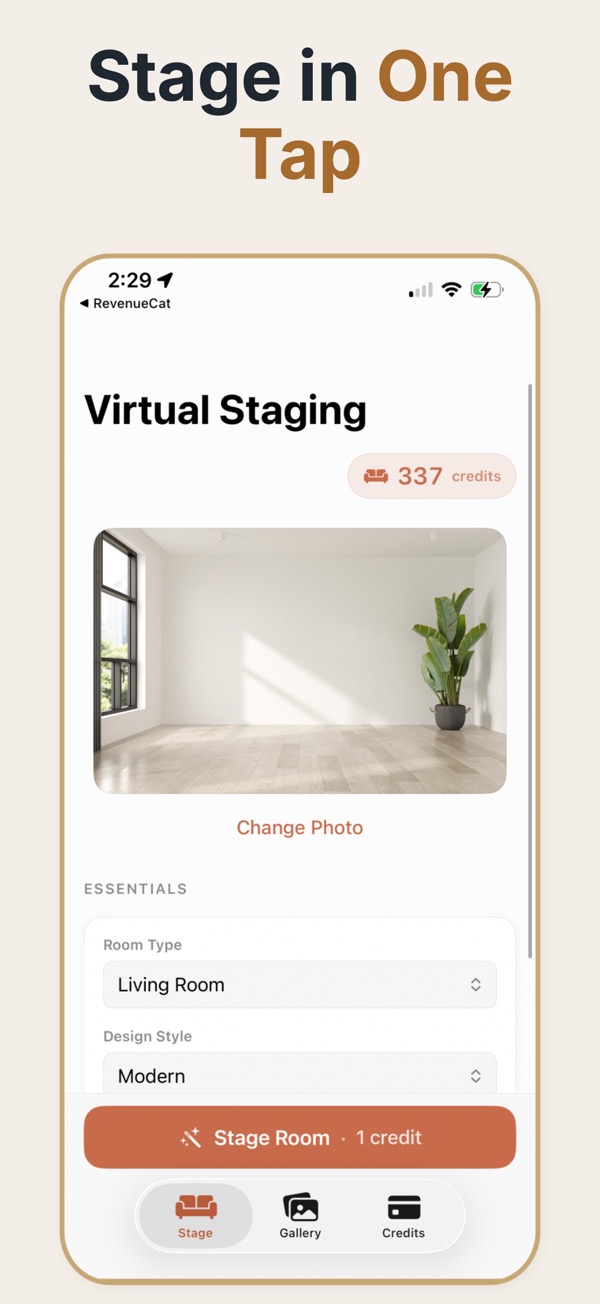
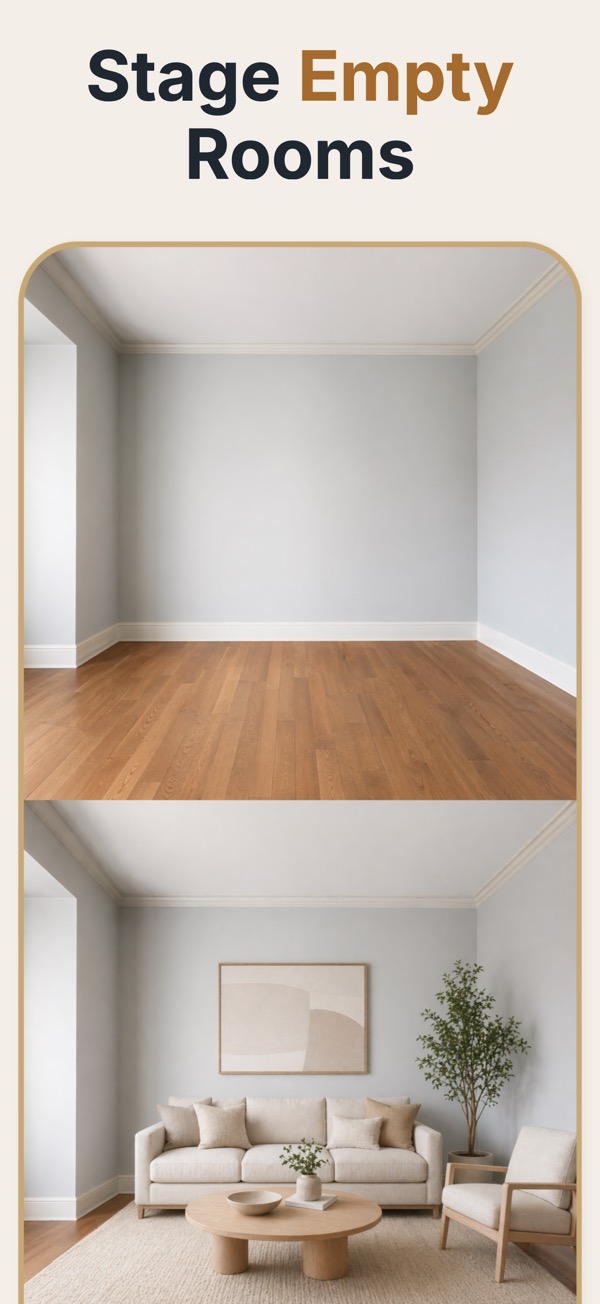
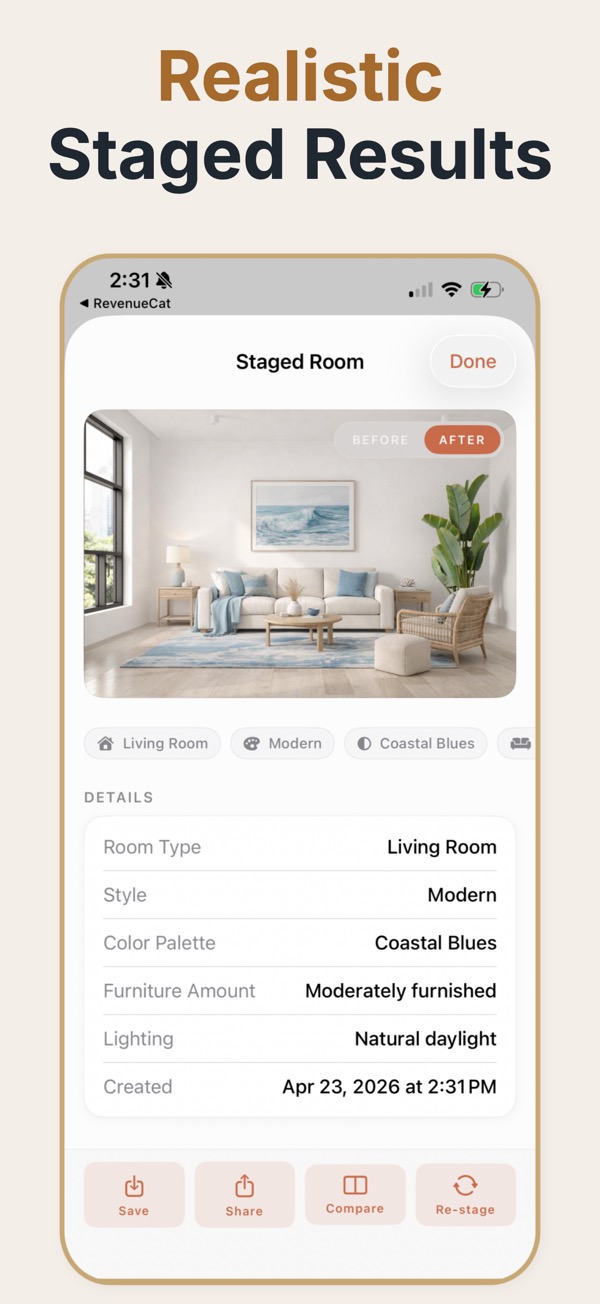
AI staging generates the furnishing rather than compositing it from a catalogue of 3D models. You supply the room photo and the direction — room type, style, how full it should feel — and the model produces a furnished version of that specific space, with its specific light and proportions.
What the AI is and is not deciding
A generative model reads the geometry of the photo and produces furniture that fits it. That is a genuine advantage over template-based staging, where a stock sofa gets pasted in at whatever angle roughly matches. It is also the source of the failure mode: because the model generates rather than places, it can invent. A radiator becomes a bench, a doorway drifts a few centimetres, a window gains a mullion it never had. This is why the review step is not optional overhead — it is the actual quality control. The right workflow treats each generated image as a draft to be checked against the source photo, not as a finished asset to be published straight to the listing.
Reviewing an AI-generated room
- Open the source photo beside the result and compare the openings first — windows, doors, archways.
- Check straight lines: skirting boards, worktops, and window frames should still be straight and continuous.
- Look for invented architecture, especially extra windows, changed ceiling shapes, or fireplaces that were not there.
- Confirm the floor material is unchanged; models sometimes swap laminate for parquet without being asked.
- Reject and regenerate rather than accepting a near-miss. Regeneration is cheap, a credibility complaint is not.
Where the AI approach pays off
Testing directions before committing
Generating four styles for the same living room costs minutes, so the decision about how to position a property can be made from images rather than from argument.
Awkward rooms that stock furniture never fits
Sloped ceilings, narrow galley rooms, and odd alcoves are exactly where catalogue staging looks pasted on and generative staging fits the actual space.
High listing volume
When a team is preparing many properties a week, a sub-minute generation loop changes what is practical to stage at all.
Failure modes worth knowing
- Warped verticals near the frame edge, most visible on tall windows and door frames.
- Furniture that floats a few centimetres above the floor, usually caught by looking at the shadows.
- Text and pattern artefacts on wall art and book spines — harmless at listing size, obvious at full resolution.
- Style drift between rooms when each room is generated independently with no shared direction.
Controls that change the output
- Room type
- Constrains what the model may generate. Setting it correctly prevents a bedroom appearing in a dining room.
- Style
- The design direction — modern, Scandinavian, industrial, farmhouse, minimalist. Keep it constant across a property.
- Palette
- Neutral, warm, cool, or editorial. Neutral is the safest default for listings that need broad appeal.
- Furniture density
- The amount of furniture placed. The most consequential single control in a small room.
- Lighting
- How warm and bright the staged scene reads. It should match the daylight already present in the source photo.
Common questions
Does AI virtual staging replace the original photo?
No. It creates a marketing visualization. Keep the original image and label staged images clearly where required.
What can I control?
The workflow supports choices such as room type, style, palette direction, furniture density, lighting, and decorative detail.
How should AI-staged images be reviewed?
Compare every output with the source photo and reject results that distort the layout, architecture, openings, or important property features.
Why do AI-staged rooms sometimes look subtly wrong?
Generative models reconstruct the room rather than editing it, so small architectural details can shift. Comparing the output against the source photo catches almost all of it, which is why the review step matters more than the generation step.
Can the AI keep a consistent style across a whole property?
Only if you give it the same direction for each room. Set the style, palette, and furniture density once and apply the same recipe to every room, otherwise each room drifts toward a different look.
Is AI staging faster than a staging service?
The generation is dramatically faster — under a minute against a typical service turnaround of a day or more. The review is on you, so the real saving is large but smaller than the raw generation time suggests.
Does AI staging need a high-resolution source photo?
A clean, well-lit, straight-on photo matters more than raw megapixels. A sharp phone photo taken in daylight generally outperforms a dark wide-angle shot from a better camera.