
AI Digital Staging
AI Digital Staging is usually a search for AI-led staging that still feels listing-ready. Virtual Staging AI Real Estate keeps that process mobile and repeatable with room presets, style controls, and before-and-after exports.

Scan to download
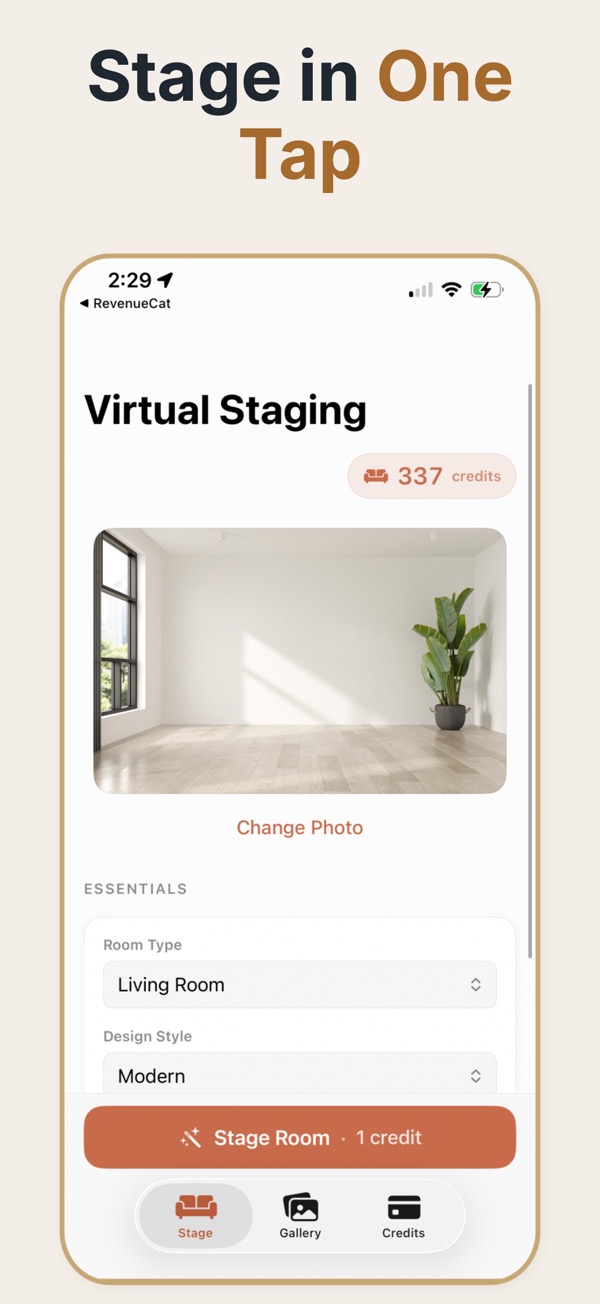
Digital staging for real property photos
Digital staging is a good fit when a listing needs visual context without physical furniture logistics. AI can help explore furnishing options while the source image remains the reference.
From empty photo to digital staging
Import the property photo, choose a visual direction, adjust the furniture and decor level, compare multiple treatments, and export a polished concept for the listing workflow.
Keep digital staging credible
- Match the furnishing scale and style to the room rather than adding generic furniture.
- Use the same visual direction across related rooms so the property feels coherent.
- Separate digitally staged concepts from photos that show the property as it currently exists.
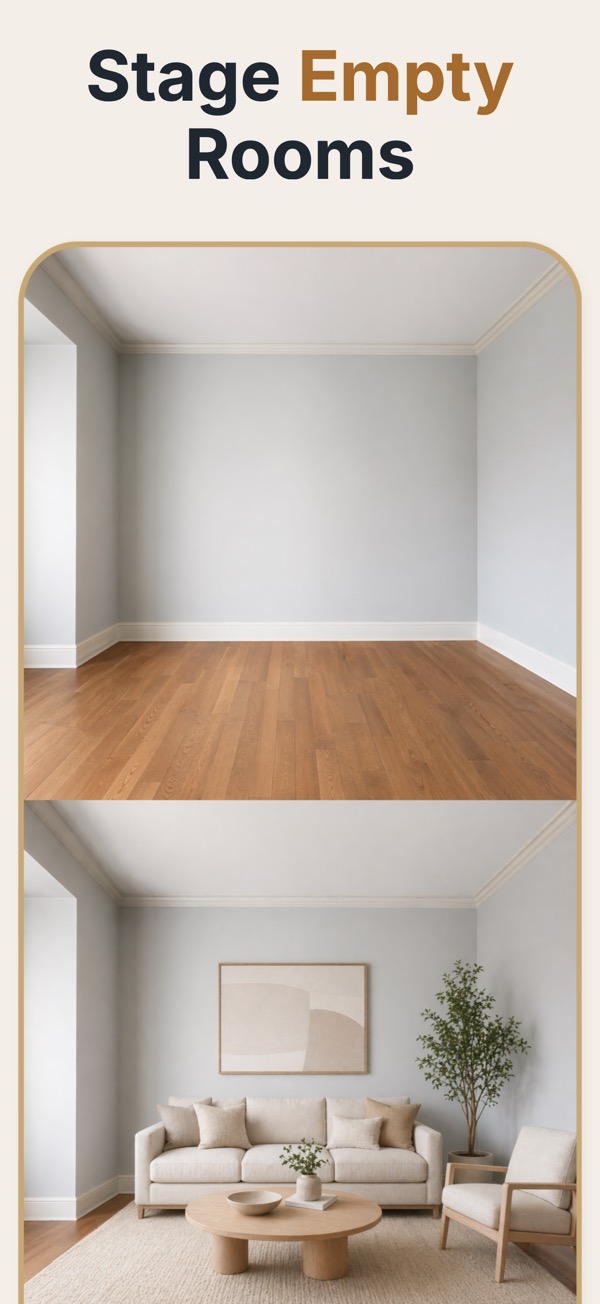
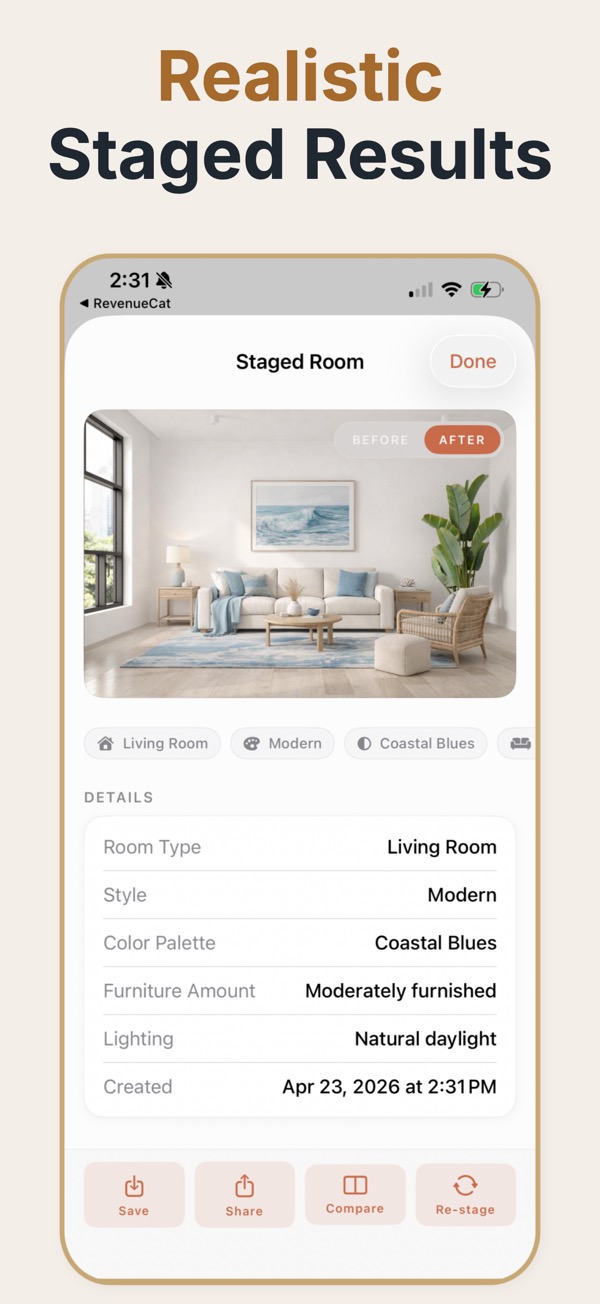
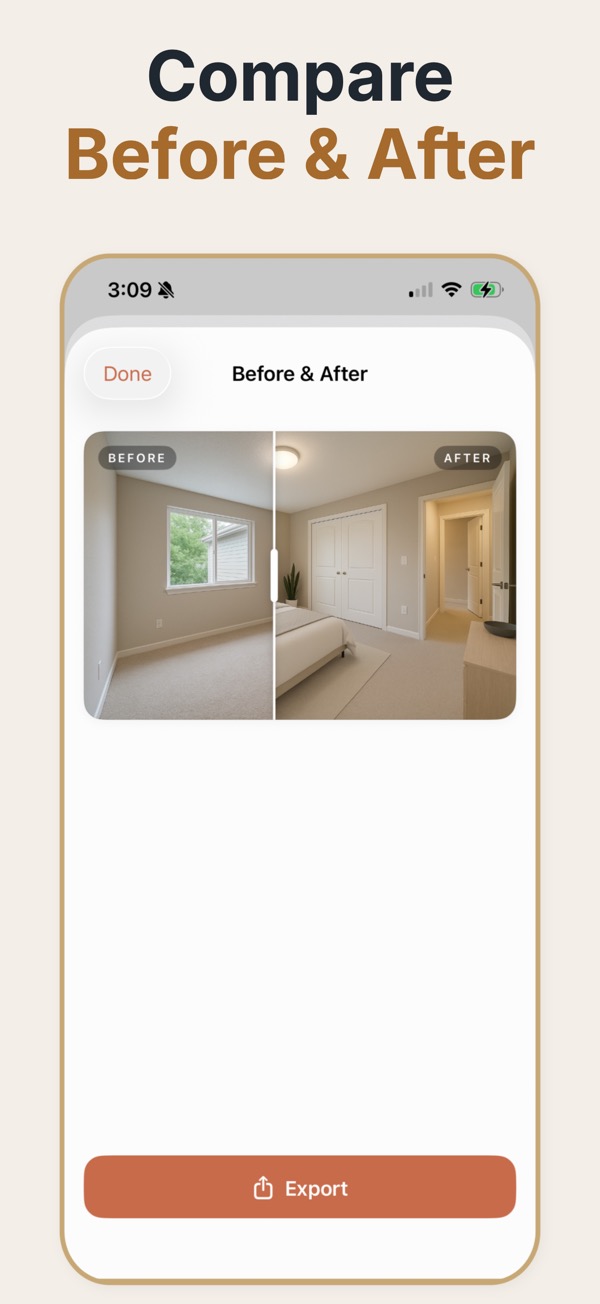
Digital staging is the umbrella term for changing what a property photo shows without changing the property. Adding furniture is the common case, but the same toolkit covers removing clutter, tidying a lived-in room, and preparing a consistent image set for a listing.
Digital staging is broader than adding furniture
It is worth separating three operations that get bundled together. Adding furniture to an empty room is the easiest and the most defensible — nothing real is being hidden. Removing existing furniture from an occupied room is harder technically and riskier editorially, because the model has to invent the floor and wall behind whatever it deletes. Removing or altering fixed features — a radiator, a damp patch, a boundary fence — stops being staging and becomes misrepresentation. Most disputes about digitally staged listings come from that third category rather than from the furniture. Keeping the distinction explicit in a team's workflow is what stops a routine marketing task turning into a complaint.
Deciding what may be edited
- Adding furniture and soft decor to an empty room: routine, disclose it.
- Removing a seller's personal items and clutter: acceptable, still disclose it.
- Removing built-in furniture or appliances included in the sale: avoid, it misleads on what is included.
- Editing out damage, damp, cracks, or wear: do not. This is the category that causes real problems.
- Altering views, boundaries, or neighbouring buildings: do not, under any circumstance.
Common digital staging jobs
Empty room, add furniture
The standard case. Low risk, high marketing value, and the easiest to disclose cleanly.
Occupied room, reduce clutter
Useful when a seller still lives in the property. The room stays honest; the distraction goes.
Mixed listing set
Some rooms empty, some furnished. Digital staging is what makes the gallery look like one coherent property.
Where digital editing crosses a line
- Erasing a defect the buyer will discover at the first viewing anyway.
- Removing a radiator or boiler that constrains where furniture can actually go.
- Changing what is visible through a window, which misrepresents the location rather than the room.
- Decluttering so aggressively that the resulting room no longer matches its own floor plan.
Operations and how risky they are
- Add furniture
- Low risk. The room is unchanged; only the marketing overlay differs.
- Remove clutter
- Low to moderate. Acceptable when the underlying room is faithfully represented.
- Remove furniture
- Moderate. The model reconstructs hidden floor and wall, so verify the result carefully.
- Remove fixtures
- High. Fixtures affect what a buyer can do with the room; leave them in.
- Alter defects or views
- Do not. This is misrepresentation, not staging, regardless of intent.
Common questions
What is the difference between digital and physical staging?
Digital staging changes a property photo; physical staging changes the real room. Digital staging is faster to revise, while the original room still needs accurate representation.
Can digital staging be used for a vacant home?
Yes. It can help viewers understand scale and possible use, provided the result is presented as a visualization.
Is digital staging useful before a listing launches?
Yes. Teams can compare room directions and prepare presentation material before deciding which visuals belong in the final listing.
What is the difference between digital staging and virtual staging?
In practice they are used interchangeably. Where a distinction is drawn, virtual staging usually means adding furniture specifically, while digital staging covers the wider set of photo edits including decluttering.
Is digital decluttering allowed?
Removing a seller's personal belongings is generally accepted and should still be disclosed. Removing fixed features, damage, or anything that affects what the buyer is actually purchasing is not.
Can occupied properties be digitally staged?
Yes, though it is harder than staging an empty room. Reducing clutter is usually more effective and more honest than removing furniture and replacing it.
Does digital staging need to be disclosed if only clutter was removed?
Rules vary by market, but disclosing any material edit is the safer default and costs nothing. The complaint risk from disclosing is zero; from not disclosing it is not.