
Virtual Staging for Realtors
Virtual Staging for Realtors is usually a search for quicker approvals and clearer listing stories for agents. Virtual Staging AI Real Estate keeps that process mobile and repeatable with room presets, style controls, and before-and-after exports.

Scan to download
Virtual staging for realtor workflows
Realtors need a repeatable way to prepare listing visuals, explain options to sellers, and keep approvals moving when rooms are vacant or difficult to present.
From listing consultation to approval
Upload the room, select a direction that fits the property, create a before-and-after comparison, review it with the seller, and save the approved export for the listing workflow.
Built around agent communication
- Use room-specific visuals in listing presentations and seller conversations.
- Compare a small number of relevant styles instead of presenting generic concepts.
- Record the approved direction so multiple rooms feel like one property.
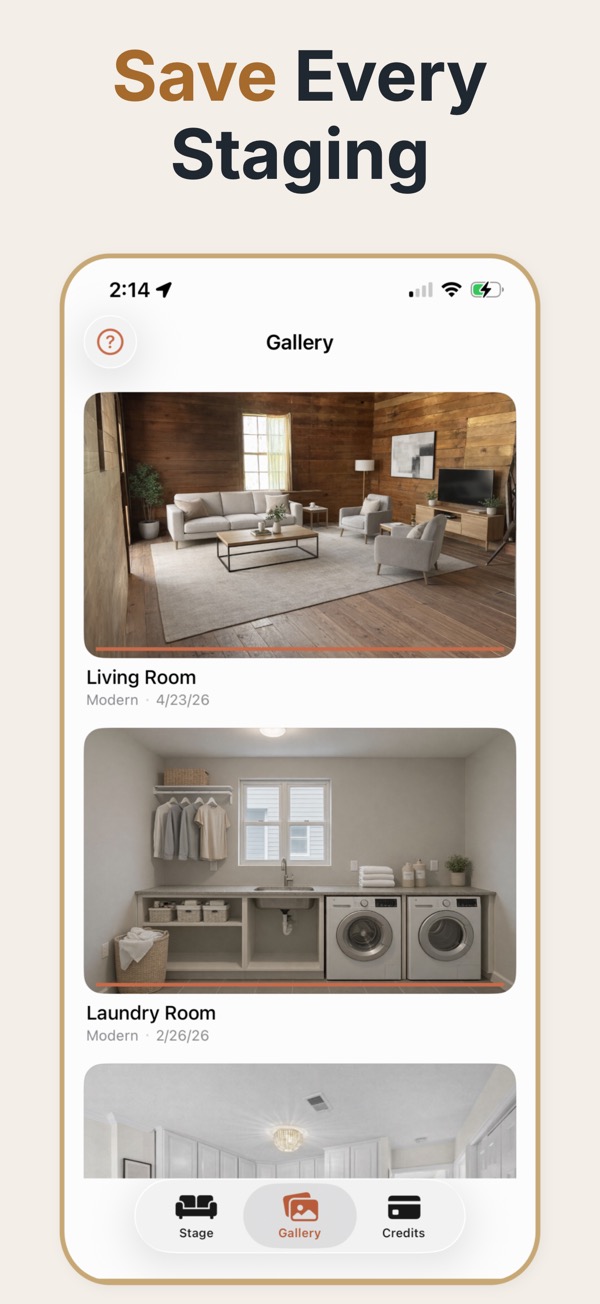
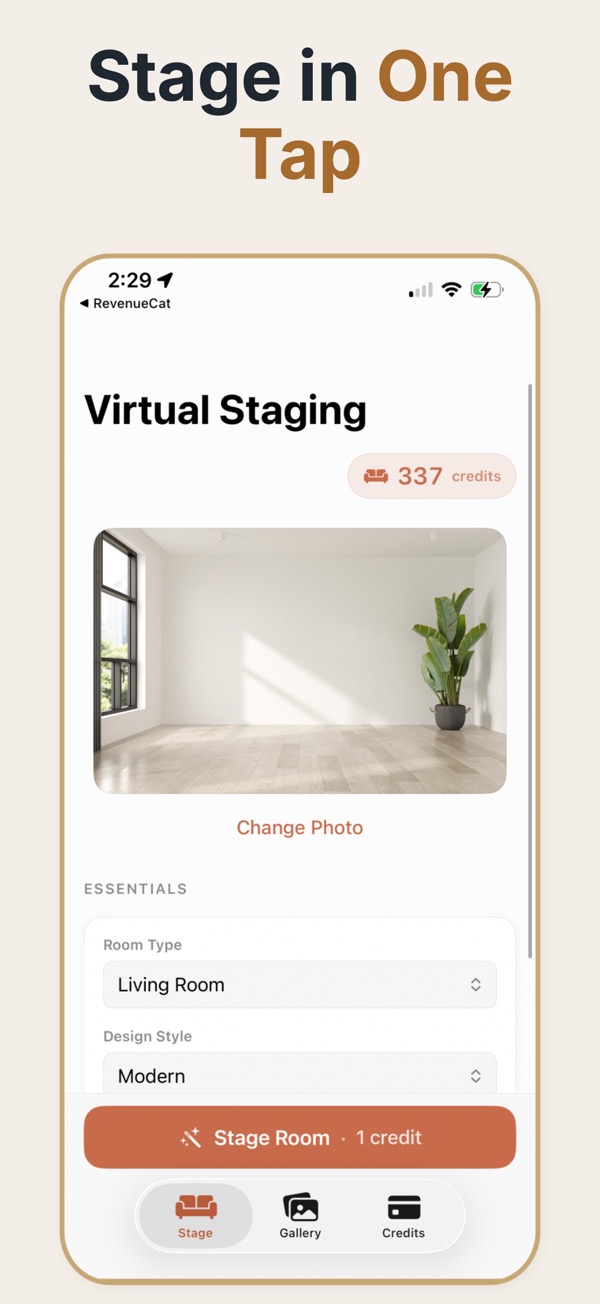

For an agent, staging is as much a client-management tool as a marketing one. A seller who can see what their empty property could look like is easier to align with on price, on presentation, and on what is worth spending money to fix.
Using staged images in the seller conversation
The hardest conversation in a listing appointment is usually about presentation: the seller sees a home they lived in, the agent sees a cold empty box that will photograph badly. A staged image moves that argument from opinion to evidence. It is equally useful in the other direction — showing a seller what the property realistically looks like staged, next to competing listings, is a more persuasive case for a price adjustment than any comparable spreadsheet. The practical habit worth forming is to bring staged images to the pitch rather than producing them after winning the instruction, because that is where they change the outcome.
Working staged images into client work
- Bring a staged version of the property to the listing appointment, not after it.
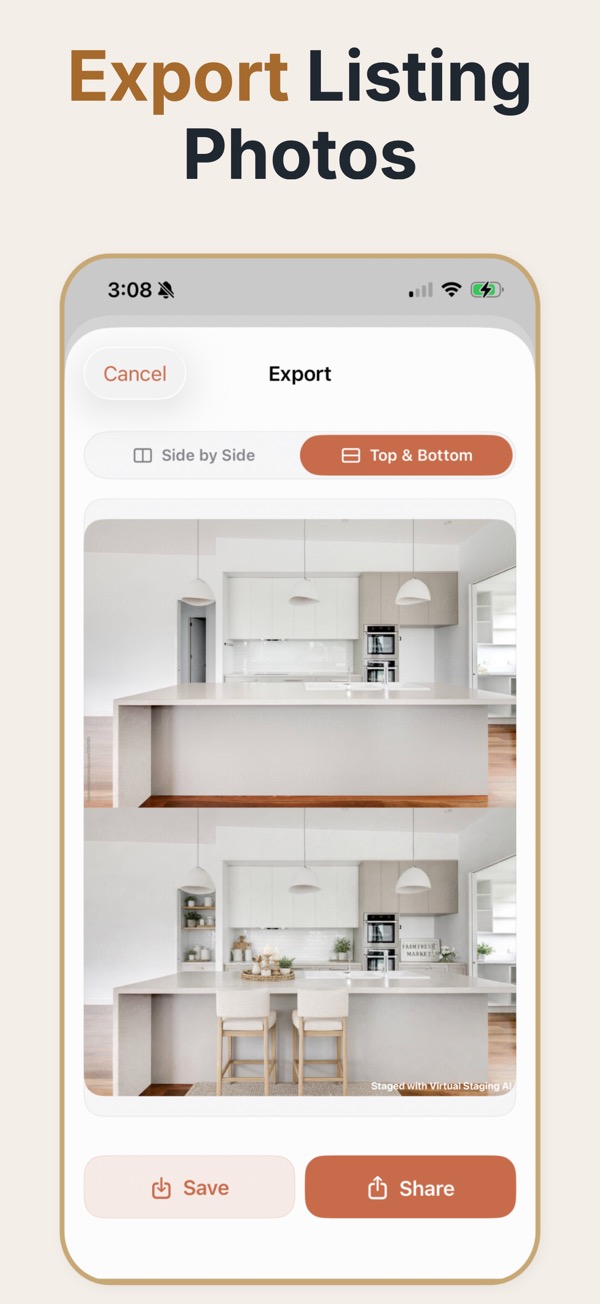
- Show the before and after side by side; the comparison does the persuading, not the staged image alone.
- Use the same style you intend to publish, so the seller approves what will actually go live.
- Keep a small portfolio of previous before-and-afters to demonstrate the service at the pitch.
- Agree with the seller in writing which images are staged before anything is published.
Where it wins instructions
Competitive listing pitches
Two agents quote the same fee; one shows the seller their own empty living room already staged. That is a concrete differentiator in a meeting that is otherwise about percentages.
Sellers reluctant to spend on presentation
Digital staging gives a presentation upgrade with no furniture rental, which is an easier ask than a four-figure staging invoice.
Managing expectations on a difficult property
Showing a realistic staged version helps a seller understand why the property is being positioned the way it is.
Agent-side mistakes
- Promising a look the staging cannot deliver, which turns into a complaint after the first viewing.
- Staging without telling the seller, which is a difficult conversation when a buyer notices.
- Using staging to compensate for bad photography instead of fixing the photography.
- Letting each listing drift into a different visual style so the agency brand reads as inconsistent.
What to bring to a listing appointment
- Staged version of their property
- One or two rooms of the actual property, staged before the meeting.
- Before-and-after pair
- The comparison, not the staged image alone. The contrast is what persuades.
- Prior examples
- A short portfolio of previous listings to show the service is routine rather than experimental.
- Written staging agreement
- A record of which images are staged, agreed with the seller before publication.
- Consistent house style
- One agency-wide direction so listings read as a brand rather than as individual efforts.
Common questions
How can realtors use virtual staging with sellers?
Show the original and staged versions together, explain that the staged image is a visualization, and use the review to agree on a marketing direction.
Does virtual staging help with vacant listings?
It can give buyers more context for an empty room, provided the output preserves the room and is presented accurately.
What should agents avoid?
Avoid hiding defects, changing the room’s structure, or presenting staged furniture as if it were physically present.
Should I tell the seller the images are virtually staged?
Yes, and get it in writing. Sellers occasionally reuse listing images later, and a documented agreement about what was staged avoids a problem you did not create.
Can staged images be used in a listing presentation before winning the instruction?
Yes, and it is one of the strongest uses. Staging the prospect's own property for the pitch is more persuasive than showing someone else's portfolio.
Does staging replace professional photography?
No. Staging amplifies a good photo and exaggerates the flaws in a bad one. The photography is still the foundation.
How do I handle a buyer who says the room looked different online?
Publish the unstaged image alongside the staged one from the start. The complaint mostly disappears when the buyer has already seen both.